Capacitive touch displays have revolutionized the way we interact with devices, from smartphones to industrial control panels. This article explains how these displays function, their advantages, common challenges, and solutions. It is designed to help engineers, product designers, and technology enthusiasts make informed decisions when selecting or integrating capacitive touch displays.
Capacitive touch technology is a type of human-machine interface that detects touch through the electrical properties of the human body. Unlike resistive screens that rely on physical pressure, capacitive screens sense changes in the electrostatic field when a finger or conductive stylus touches the surface.
These displays are widely used in smartphones, tablets, ATMs, kiosks, and industrial machinery due to their durability, clarity, and responsiveness.
A capacitive touch display consists of a glass layer coated with a transparent conductor, usually indium tin oxide (ITO). The system detects touch by measuring changes in capacitance caused by the conductive properties of the human finger.
| Component | Function |
|---|---|
| Glass Layer | Provides a smooth, durable surface for touch interaction. |
| ITO Conductive Layer | Registers changes in capacitance when touched. |
| Controller | Processes signals and determines touch coordinates. |
| Software Interface | Translates touch input into commands or actions on the device. |
Capacitive displays are categorized based on sensing technology:
While capacitive displays are reliable, users may encounter issues:
When selecting a capacitive touch display, consider:
| Feature | Surface Capacitive | Projected Capacitive |
|---|---|---|
| Touch Type | Single-touch | Multi-touch |
| Durability | Moderate | High |
| Gesture Support | No | Yes |
| Cost | Lower | Higher |
A: No, they require conductive styluses specifically designed for capacitive screens.
A: Yes, but sunlight readability and waterproof ratings should be considered.
A: With proper care, they can last several years without performance degradation.
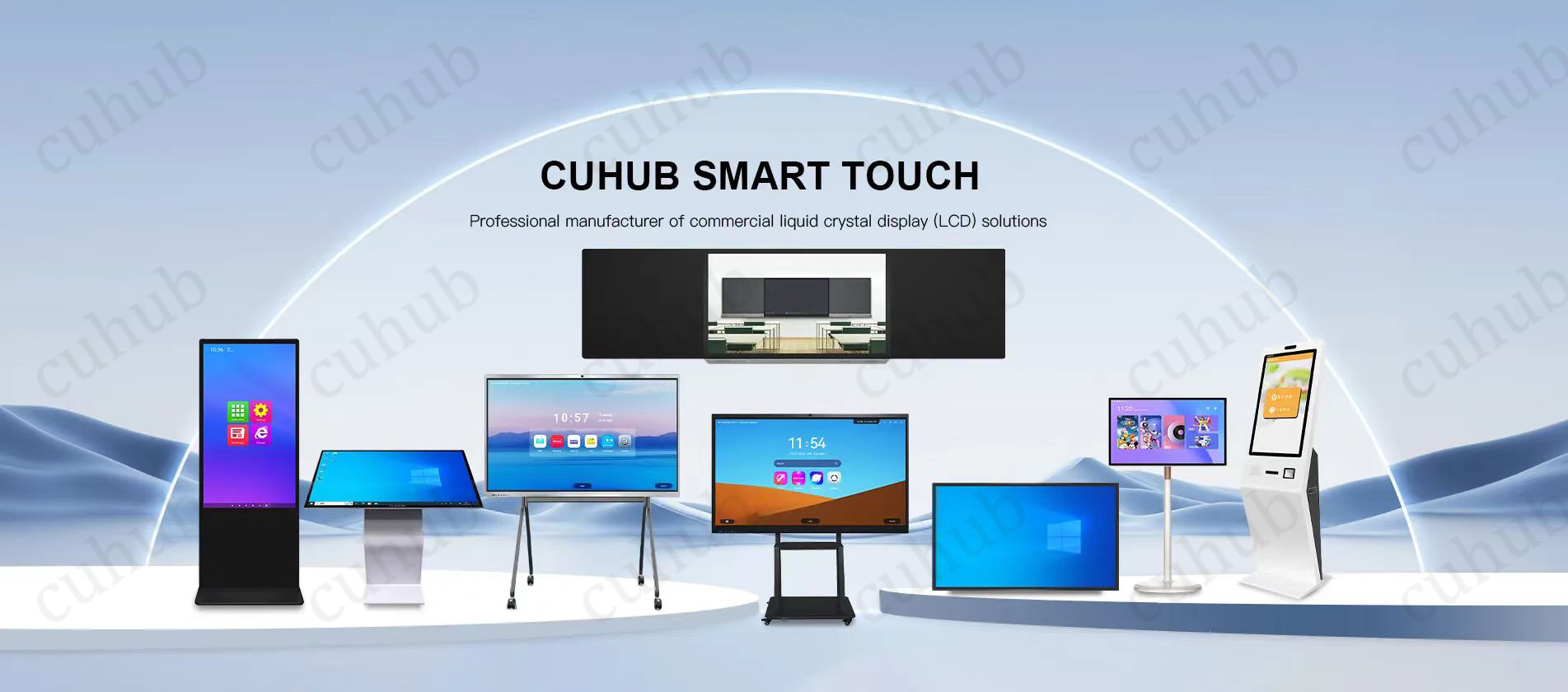
Cuhub provides high-quality capacitive touch displays suitable for industrial, commercial, and consumer applications. Learn more about our products and get personalized support by visiting our product page and contact us.