Key Takeaways for Choosing Double-Sided Digital Signage
- Choose a double-sided display only when both faces have a defined audience, viewing direction, and content purpose.
- Verify the complete installed footprint: enclosure dimensions, base or bracket, cable exit, service access, and required clearances.
- Confirm how each screen is controlled: mirrored programming, independent programming, split-screen capability, remote control, and cloud-based operation.
- For U.S. deployment, request configuration-specific electrical, radio, safety, labeling, warranty, and service documentation before release.
- A precise quote requires screen size, orientation, installation environment, mounting method, quantities, content-control needs, and customization scope.
Double-sided digital signage earns its floor space by communicating in two directions at once. A window display can address pedestrians outside and shoppers inside. A freestanding unit in a mall corridor can catch traffic coming from either end. In a station, lobby, or elevator approach, the back face prevents a costly dead side.
The common buying error is treating both panels as extra inventory rather than separate communication channels. They are not. Each face needs a viewing-distance assumption, an orientation, a message hierarchy, and an operating plan. If one side will face glare, a queue, or an audience that only has three seconds to look up, that has to shape the configuration before a purchase order is issued.
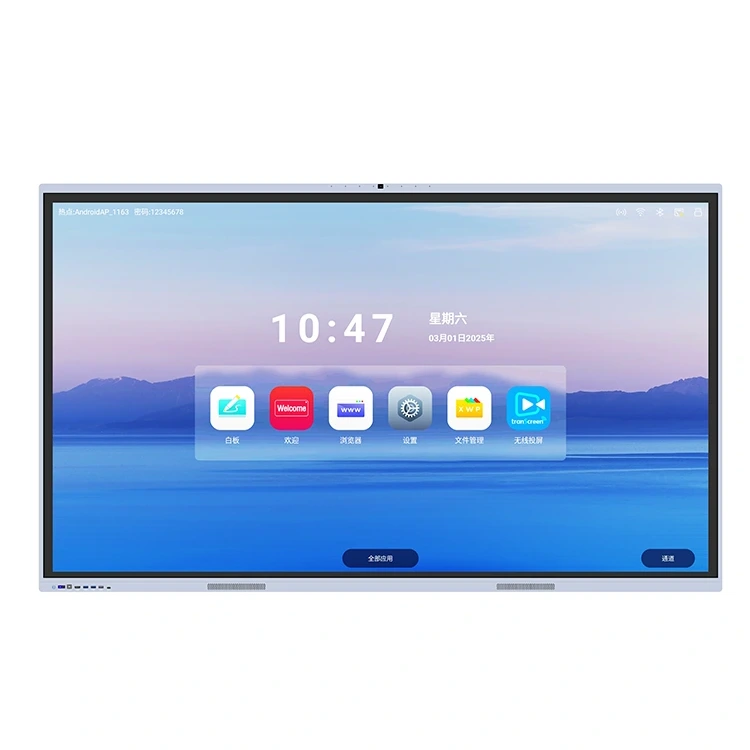
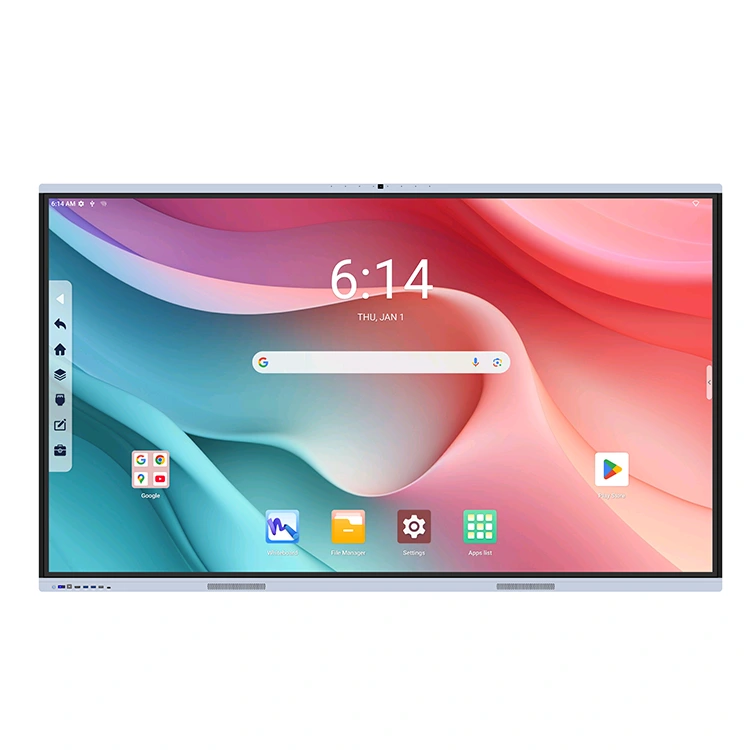
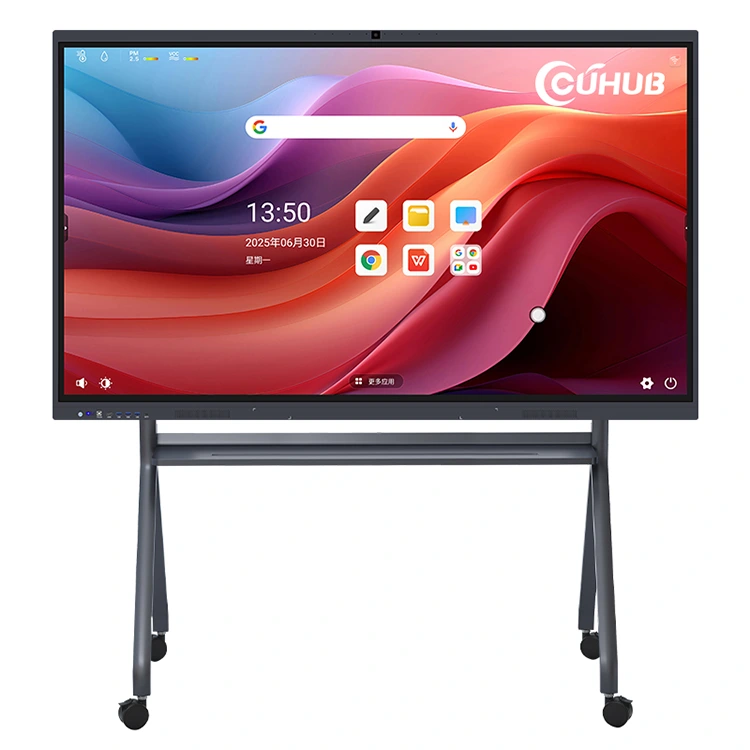
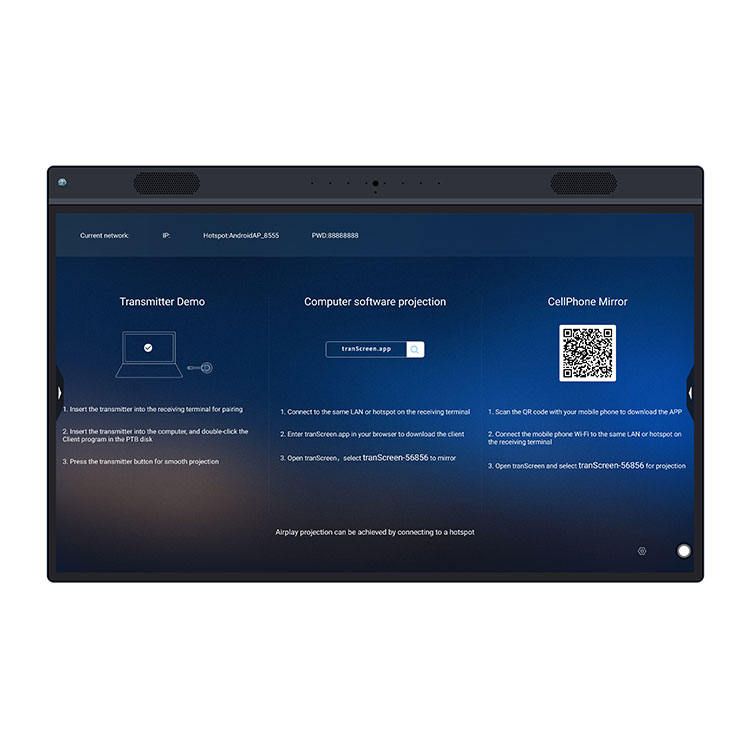
Cuhub lists digital signage across indoor and outdoor advertising applications, kiosks, floor-standing displays, and multiple-shape LCD products. Its Ultra-Slim Double-Sided Advertising Device should therefore be specified as a complete installation, not selected from a product photo alone. Ask what is included, what is optional, and what has been validated for the exact configuration you intend to deploy.
When an Ultra-Slim Double-Sided Advertising Device Is the Right Digital Signage Format
An ultra-slim double-sided advertising device makes sense where sightlines exist on both sides of the physical plane. Storefront glass is the obvious case: one panel can support a street-facing offer while the other presents wayfinding, promotions, or loyalty messaging inside. Retail aisles, hotel entrances, building lobbies, libraries, transit concourses, and shopping-mall corridors can also justify the format.
It is less suitable when the rear face points at a wall, a fixed fixture, a narrow passage, or a low-traffic service area. Buyers sometimes put a double-sided unit in a location because it looks premium, then run the back display with the same looping asset forever. That wastes power, adds content work, and complicates service without adding meaningful impressions. A single-sided wall-mounted screen is often the more sensible answer in that situation.
Ultra-slim construction matters most where the display sits in a glazed storefront, a polished lobby, or a circulation route with limited visual tolerance for bulky equipment. It does not remove structural or operational requirements. You still need to establish the mounting surface or base, cable path, cleaning access, and what happens if a panel needs service. Review Cuhub’s digital signage product options alongside the actual site plan, not after construction has closed up.
Start with audience flow. If people approach from two directions but one group is much farther away, the two faces may need different creative, not merely duplicated media. If the unit is intended for a window, define which side receives direct sunlight and which side is viewed through glass. Those details affect the display configuration you should request.
Double-Sided, Floor-Standing, Wall-Mounted, Kiosk, and Table Displays: Comparison Criteria for a Buyer Table
“Digital signage” is a broad purchasing label, not a format specification. The right form factor depends on traffic pattern, available construction, interaction requirements, and the cost of keeping the installation serviceable. A double-sided unit is defined primarily by directional reach. Floor-standing describes how a device occupies space. Wall-mounted display, kiosk, and table display describe different physical relationships to the environment and user.
| Format | Best fit | What buyers must verify | Frequent mismatch |
|---|---|---|---|
| Double-sided advertising device | Two-direction traffic, storefronts, open corridors | Independent face control, sightlines, mounting, rear service access | One face has no real audience |
| Floor-standing display | Lobbies, retail floors, temporary or movable campaigns | Base footprint, stability plan, cable routing, cleaning clearance | Unit blocks circulation or violates site rules |
| Wall-mounted display | Menus, schedules, internal communications, fixed viewing points | Wall structure, bracket, power/data location, ventilation and access | No plan for rear connections or maintenance |
| Kiosk | Self-service, directory, check-in, touch query | Touch workflow, accessibility, enclosure durability, queue space | Interactive hardware used for passive advertising only |
| Table display | Reception counters, restaurant tables, close-range product information | Viewing angle, furniture integration, power protection, cleaning routine | Text designed for long-distance viewing |
Use the table to narrow the format, then request confirmation against the selected Cuhub configuration. Cuhub’s stated range includes touch and non-touch products, so do not assume an advertising device needs touch simply because nearby kiosks do. Passive messaging is often more reliable and easier to operate where users are walking past, carrying bags, or wearing gloves.
How to Plan Placement, Viewing Direction, Mounting, and Space Requirements Before Ordering
A successful installation begins with a measured site survey. Photos help, but a scaled drawing with door swings, glass lines, columns, sprinklers, electrical points, pedestrian routes, and nearby fixtures is better. For a double-sided display, mark the primary and secondary viewing zones. They may have different distances, angles, dwell times, and ambient-light conditions.
Do not size the screen by diagonal alone. The useful question is whether a viewer can read the intended message at the intended distance while moving through the space. Use this simple planning relationship as an internal check, then test the actual creative at full scale before approving production:
Installed footprint = device enclosure + mount or base + cable bend space + required service clearance

Readable-message distance depends on:
text size + contrast + viewing angle + viewer dwell time + site lighting
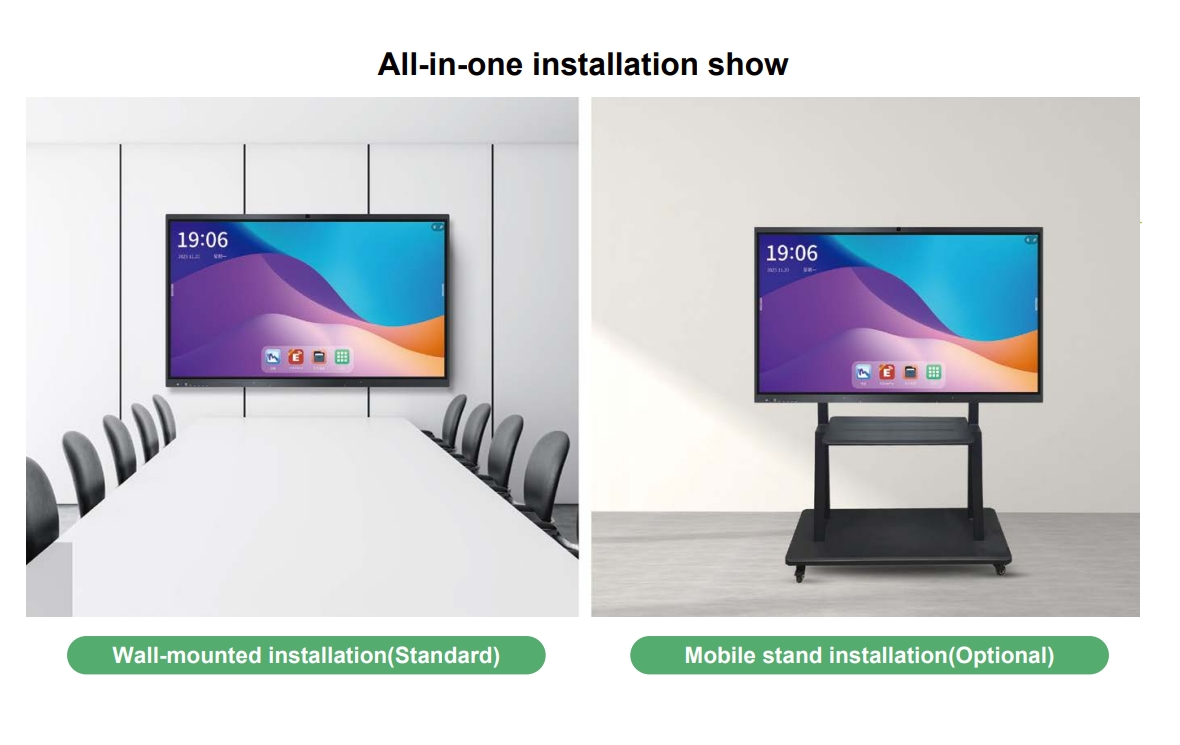
Ask the supplier for the exact enclosure drawing, mounting information, weight, connection locations, and access points for the selected build. Those are not cosmetic details. A display can fit between two columns but still be impossible to wire or service after it is fixed in place. If it is floor-standing, determine how it will be stabilized and how power reaches it without creating a trip hazard. If it is mounted, involve the building owner or qualified installer early; the surface, fasteners, and support method are site-specific.
- Map the two audiences and record approximate approach directions and dwell time.
- Measure the proposed location, surrounding circulation space, and distance to power and network points.
- Mark cable exits, access panels, door swings, and the clearance needed for future servicing.
- Provide the supplier with photos, drawings, and the required installation orientation.
- Approve the configuration drawing before fabrication, packaging, or shipment planning begins.
Content Updates, Split-Screen Layouts, Remote Control, and Cloud Background Management: What to Confirm
Hardware decisions and content operations are inseparable. A buyer who can update a campaign in minutes can run more relevant messaging; a buyer who needs a technician and a USB drive for every change will soon stop updating the screens. Cuhub states that its digital-signage range can include split-screen display, remote control, and cloud background management. Treat “can include” as a prompt for configuration questions, not as proof that every model includes every function.
Cuhub cloud background management refers to the supplier-described ability to manage display content through a cloud-based background system rather than relying solely on local media changes. In practical terms, buyers should establish who has administrator access, whether scheduled content can be assigned by device or group, how failed playback is identified, what network connection is required, and what happens during a connection outage. The supplied product information does not define the platform’s feature set, security architecture, subscription terms, or device-limit rules. Get those answers in writing for the chosen configuration.
Split-screen layouts deserve the same discipline. A layout with a promotion, a clock, a weather panel, and a scrolling message may look busy while accomplishing very little. Define whether each side of the double-sided device can show different playlists, whether content can be scheduled by time or location, and which media formats and resolutions the selected player accepts. Request a workflow demonstration using a sample campaign before placing a larger order.
Remote control is useful for basic operation, but it is not a content-management strategy by itself. Clarify whether “remote” means handheld control, network-based control, or both. If your deployment will sit behind corporate firewalls, have IT review connectivity and user-access expectations before screens arrive on site.
Cuhub Custom Digital Signage, OEM/ODM, SKD, and CKD Cooperation: Information Needed for an Accurate Quote
Customization does not begin with a request for “a custom double-sided sign.” It begins with a defined operating brief. Cuhub states that it offers customization, OEM/ODM, SKD, and CKD cooperation. These are different commercial paths. OEM commonly concerns supply under the buyer’s brand or defined specification; ODM can involve supplier design capabilities; SKD and CKD refer to products supplied in partially or completely knocked-down form for assembly arrangements. The exact scope, responsibilities, and documentation must be confirmed directly with Cuhub.
Give the sales and engineering team enough information to quote the right unit rather than a generic one. Include desired screen size, portrait or landscape orientation, indoor or outdoor installation context, number of units, target delivery location, mounting concept, touch or non-touch requirement, and the intended control method. Explain whether both faces must carry independent content. If branding changes are required, supply artwork standards, color references, logo files, language requirements, and approval contacts.
For SKD or CKD discussions, ask who supplies assembly instructions, what tools and fixtures are required, how quality is checked after assembly, which components are packed separately, and who carries responsibility for damage or missing parts. Those details affect labor, packaging, freight, import planning, and field failure rates. A knocked-down arrangement may fit your local assembly model, but it is not automatically cheaper after handling and quality controls are counted.
Send your requirements through Cuhub’s custom digital signage inquiry channel with a site drawing and a short content-use description. That usually produces a more useful technical exchange than asking only for price and screen size.
Documentation and Compliance Checks for U.S. Digital Signage Purchases
Do not treat compliance as a shipping-stage formality. U.S. requirements can depend on the selected power arrangement, communications functions, installation type, use environment, local building rules, and the customer’s own procurement policy. A digital display that is acceptable for one project may need a different document package for another. The right question is not “Is it certified?” but “Which documents apply to this exact configured product, and do they satisfy this project’s installation and purchasing requirements?”
Ask for a configuration-specific document list before issuing the order. Depending on the device and project, buyers may need electrical safety documentation, electromagnetic-compatibility or radio documentation where applicable, product labels, operating instructions, warranty terms, packing information, drawings, test records, and import-related paperwork. Do not claim or advertise UL, FCC, Energy Star, ADA, IP ratings, or any other designation unless the supplier provides evidence that applies to the selected model and configuration.
Quality-control records should identify the product rather than describe a vague factory process. Request the applicable inspection standard, serial-number or batch traceability approach, burn-in or functional-test records if offered, cosmetic acceptance criteria, and the procedure for handling nonconforming units. For a double-sided screen, ask how each face, its controls, and its ports are verified before packing.
Service paperwork matters once the display is installed. Confirm warranty start date, response path for a failed unit, spare-parts availability, replacement procedure, remote diagnostic support if available, and who pays freight in each scenario. The least expensive quote often becomes expensive when these points are left open.
FAQ: Ordering, Content Operations, and Configuration Verification
These two questions come up early in U.S. purchasing reviews because they expose whether the project has moved beyond a concept image into a buildable, supportable configuration. Answer them before deposit, especially for customized work or multi-location rollouts. A complete answer protects both the buyer and supplier from approval delays, change orders, and mismatched expectations.
What details should buyers provide when requesting a customized double-sided display quote?
Provide the intended application, installation location, indoor or outdoor exposure, screen size preference, orientation, quantity, physical mounting approach, available power and network conditions, and target ship-to location. State whether each face needs independent content, mirrored content, split-screen layouts, touch, remote control, or cloud-based content operation. Attach site photos, dimensions, brand artwork, packaging needs, and any requested OEM, ODM, SKD, or CKD arrangement. Ask Cuhub to identify every assumption in the quote, including what is included with the display and what must be supplied or installed locally.
Which certifications, quality-control records, and service documents should be confirmed for the selected configuration?
Confirm the documents that apply to the exact model, electrical input, communications options, and planned U.S. installation. Request copies or verifiable references for applicable safety, electromagnetic-compatibility, and radio records where required, plus labeling information and manuals. Confirm factory inspection records, configuration drawings, serial or batch traceability, packing list, warranty terms, replacement process, and service contacts. If a project specification names a standard or certification, submit it to Cuhub before quoting and require the response to identify compliance status rather than assuming equivalence.
For content operations, document the user roles, device naming convention, approval process, fallback playlist, and escalation contact. That small operating sheet prevents a familiar failure: a screen is working perfectly, but nobody on the customer team knows who is authorized to change the campaign.
Request a Double-Sided Digital Signage Configuration from Cuhub
Bring a site plan, a content plan, and a document checklist to the first supplier conversation. That is enough to move from a broad digital signage request to a configuration that can be reviewed by facilities, IT, marketing, procurement, and the installer. Specify the two viewing directions separately. State what each face must accomplish. Then ask Cuhub to confirm the available screen options, installation details, content-control choices, customization scope, and relevant documentation for the proposed unit.
If you are comparing suppliers, make every bidder respond to the same brief. Price comparisons are meaningless if one quote assumes a basic local-media display and another includes different content controls, mounting elements, packaging, or support terms. A clean request package also makes it easier to spot omissions before production begins.
For projects involving several stores or public locations, order a sample or pilot configuration where practical. Test the actual content in the actual lighting, run the management workflow, inspect the enclosure and installation approach, and document what the field team needs to do. Revise the rollout specification from that pilot rather than repeating its defects across an entire estate.
Start with a Configuration Review
Share your screen size target, placement drawings, two-sided content needs, installation method, quantity, and U.S. documentation requirements with Cuhub before requesting final pricing.
Visit Official Website →