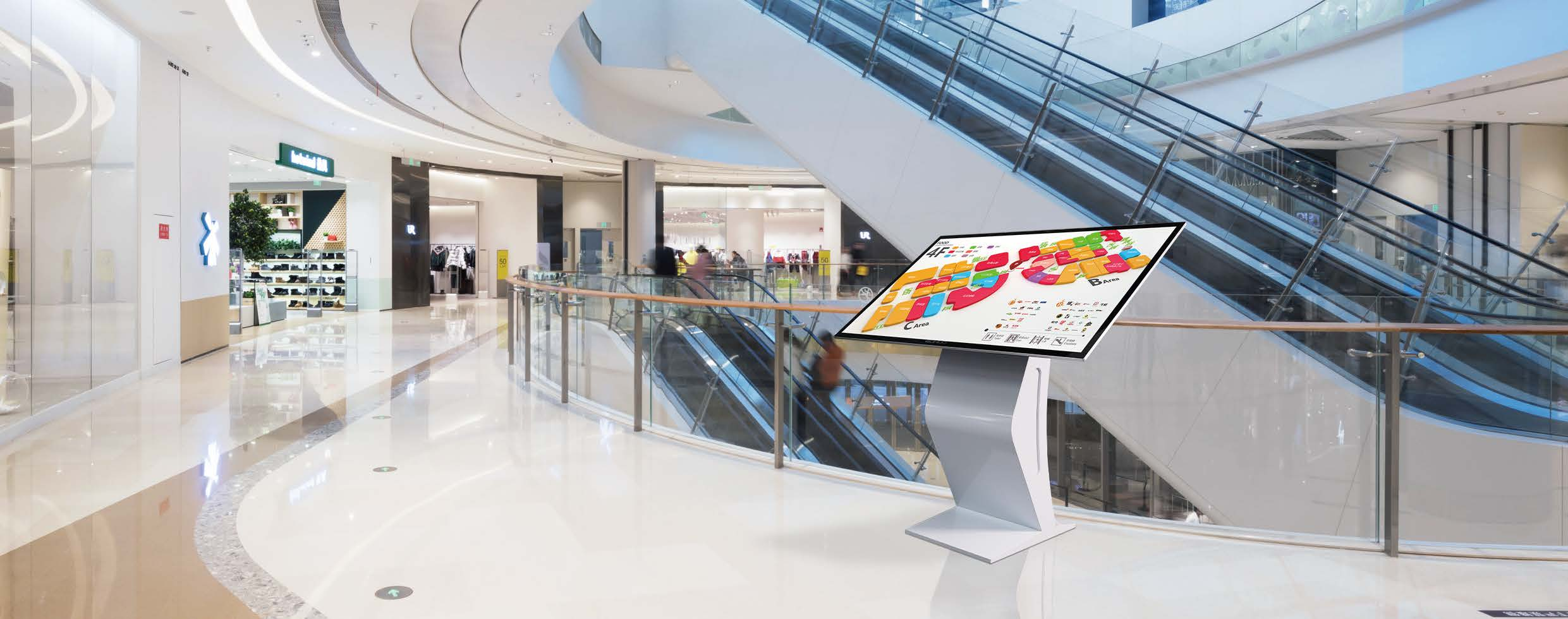
Choose a China digital signage manufacturer by first matching the display to its actual location and job, then verifying how the supplier builds, documents, configures, and supports that product. A broad catalog is not enough. The right supplier should be able to discuss the mounting position, operating environment, content use, enclosure needs, order model, and acceptance requirements before issuing a quote.
For U.S. buyers, the costly mistakes usually happen before the purchase order: selecting an indoor unit for a demanding installation, assuming a catalog model can be customized without reviewing the change, or treating a certificate list as proof that every proposed configuration is covered. Ask specific questions early. It exposes the difference between a commercial display manufacturer and a trading operation passing along generic information.
Start With the Display Category and Deployment Requirements
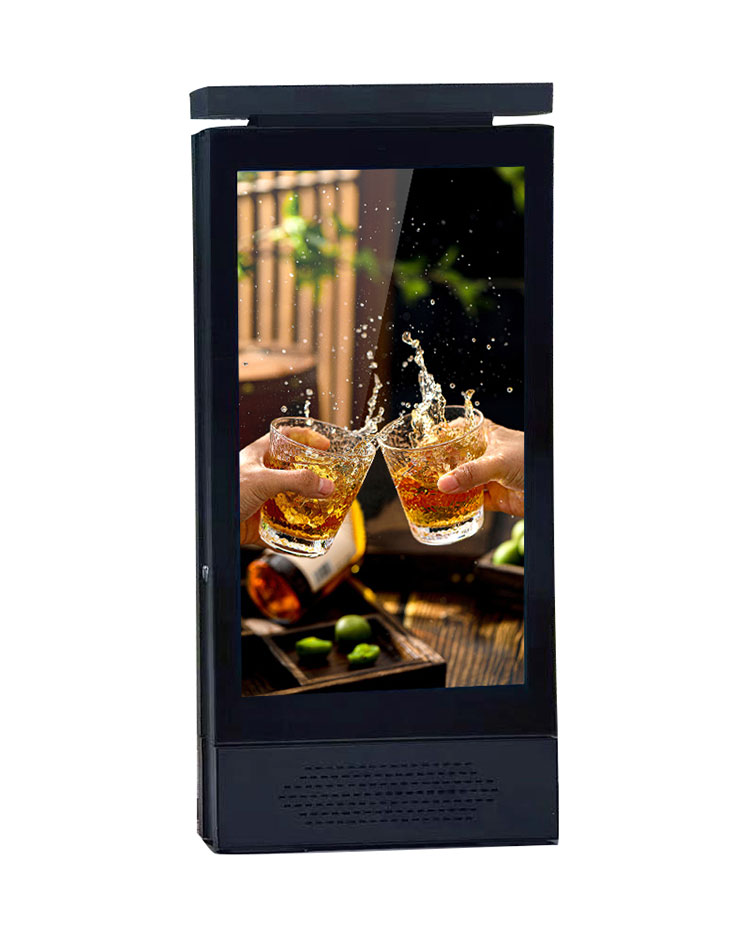
Start with the installation, not the screen diagonal. Define whether the project needs indoor advertising digital signage, an outdoor advertising display, an interactive unit, a kiosk, a portable screen, or a spliced LCD video wall. These categories face different physical demands and are not interchangeable simply because they display the same media.
Document the placement: wall, floor, countertop, elevator, lobby, transit area, reception desk, or public-facing self-service point. Then clarify screen orientation, viewing distance, available mounting or floor space, power routing, network access, and who will service the unit. Outdoor placement deserves separate scrutiny. Exposure conditions, enclosure design, access for maintenance, and site-specific brightness needs must be discussed rather than assumed from a product photo.
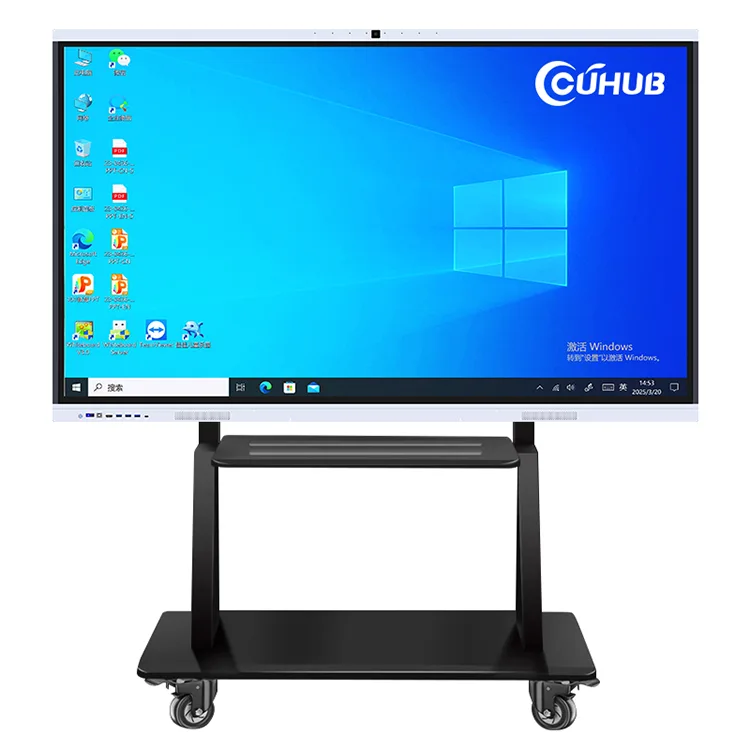
Also separate passive messaging from user interaction. A touch query all-in-one machine or interactive display has a different user interface, housing, cable-access, and durability conversation than a standard LCD advertising machine. Buyers often discover that difference only after a kiosk is already being installed.
Match Commercial Digital Signage Formats to the Intended Application
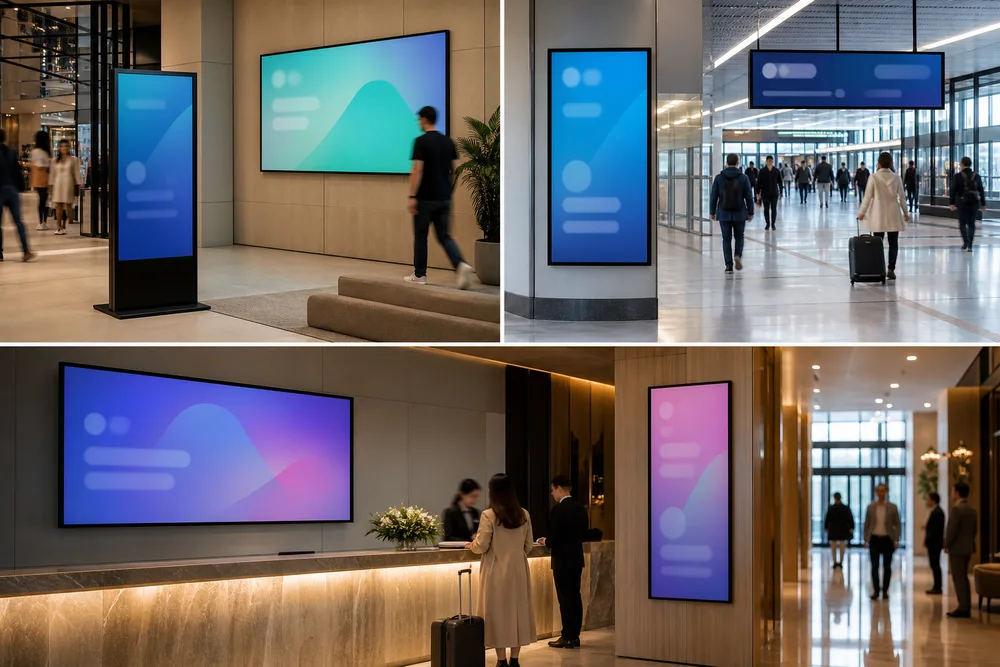
Commercial LCD digital signage should be classified by how it will be used and serviced. That is a more defensible buying method than sorting only by size. Cuhub describes a commercial display range from 10 inches to 110 inches, including indoor and outdoor advertising displays, kiosks, floor-standing and table displays, touch query machines, and spliced screens.
- Wall-mounted or table displays: practical where space is tight and viewers are close, such as counters, libraries, meeting areas, and elevators.
- Floor-standing digital signage: suited to lobbies, retail floors, hotels, buildings, and other places where the display must be visible without a wall mount. Confirm base footprint, stability, cable routing, and access for service.
- Kiosks and touch query displays: intended for information lookup, wayfinding, check-in, or other public interaction. Review the full user journey, not only the touch screen.
- Video walls: appropriate where one large visual surface is needed. Ask how the spliced-screen layout, installation plan, and replacement process will be handled.
- Outdoor displays: require a deployment review based on the actual site. Do not purchase an outdoor category product without confirming the installation conditions with the supplier.
A manufacturer that can cover several formats can simplify a multi-site program, but only if each format is configured for its own application. One standard enclosure rarely solves every location well.
Evaluate Factory Capability Beyond the Product Catalog
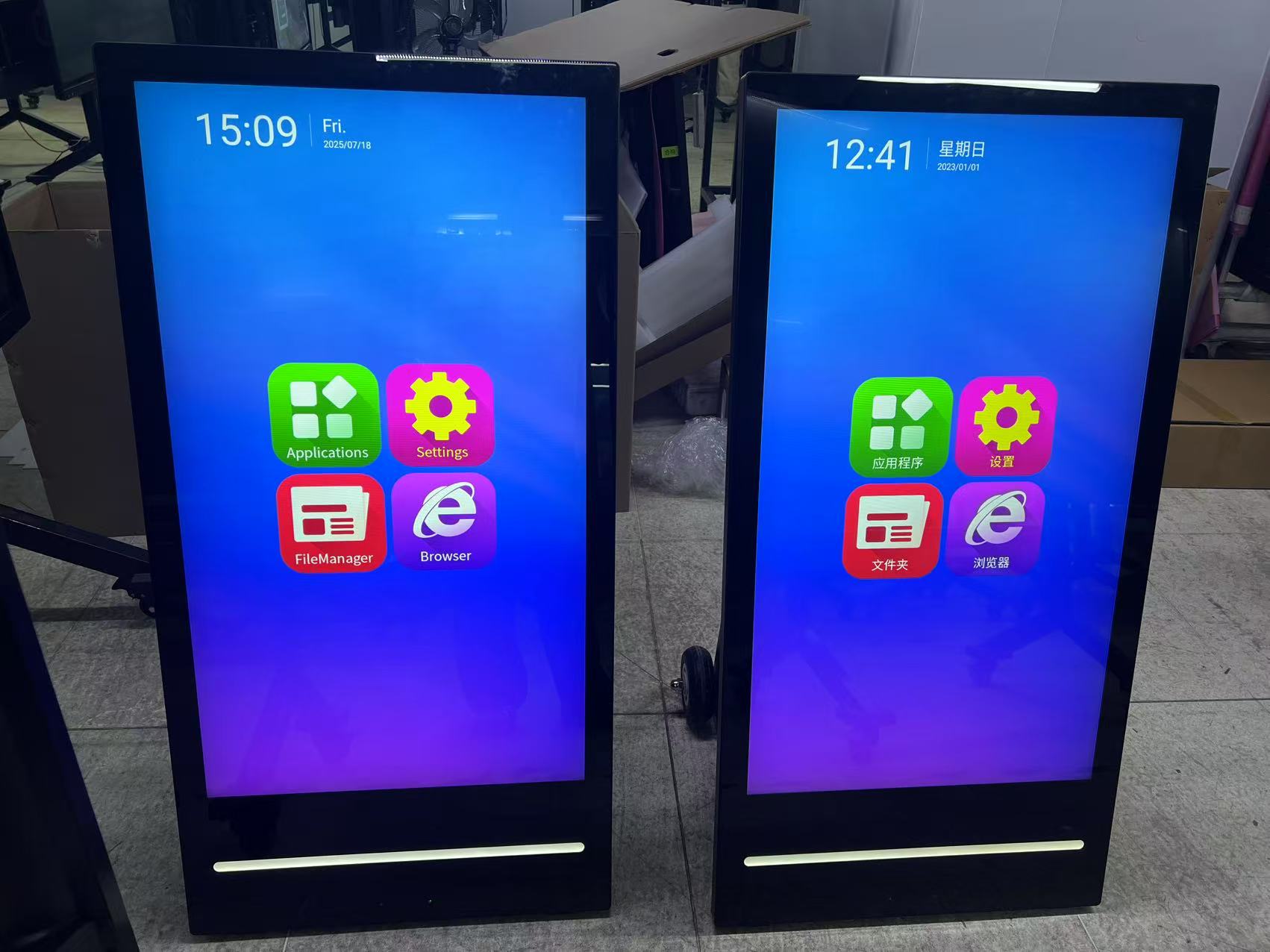
Ask what happens between the approved configuration and shipment. Useful evidence includes in-house production lines, testing arrangements, product documentation, change-control communication, and a clear account of which work is done by the supplier versus outside parties. Cuhub states that it operates production lines and testing for its commercial LCD display equipment in Shenzhen.
Request current product materials for the proposed model, not just a general catalog. Review drawings, available configuration choices, packing details, and the inspection process that applies to the order. If a display will carry your branding or enter a repeat program, establish how revisions are recorded. A small untracked change to an enclosure opening, connector position, or front treatment can create a real installation problem.
OEM and ODM Customization for Branded Commercial Display Programs
OEM and ODM support should mean a defined review process, not an open-ended promise. Cuhub states that it offers OEM/ODM customization. Before treating a project as a branded commercial-display program, specify exactly what is changing: external branding, housing appearance, screen format, touch function, interfaces, software-related requirements, packaging, or documentation.
Ask which requests use an existing platform and which require new engineering work. The trade-off matters. A familiar platform can reduce uncertainty, while deeper alterations need more review, clearer approvals, and realistic production planning. Lock the approved configuration before scaling an order, especially when the display must fit a site fixture or a distributor’s established assortment.
SKD and CKD Options for Distributor and Local-Assembly Models
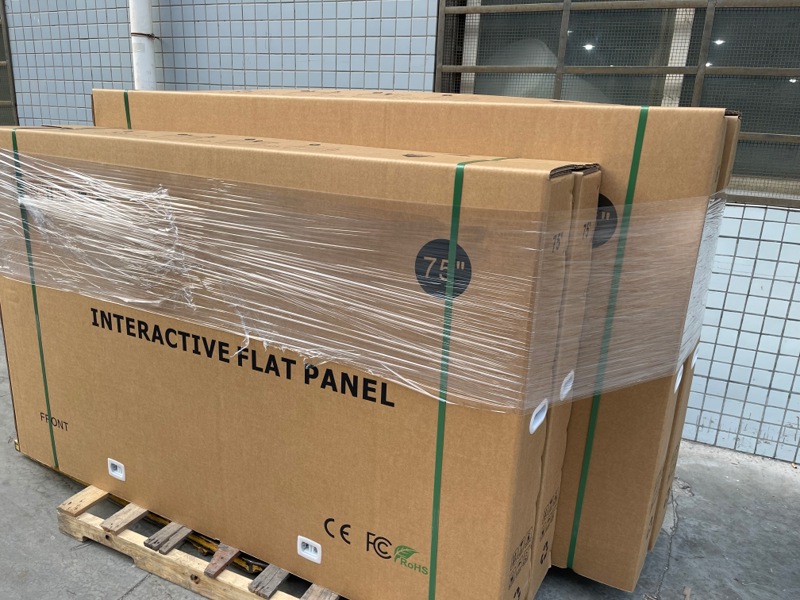
SKD and CKD delivery can suit distributors or buyers with local assembly arrangements, but the terms need to be defined line by line. Cuhub lists SKD/CKD delivery among its buyer services. Confirm what arrives assembled, what components are separated, which instructions are supplied, who provides final inspection, and how packaging protects parts during transit.
Do not assume that an SKD or CKD option automatically reduces your operational burden. It can move work and quality responsibility closer to your market. That may be useful, but only if your receiving team has the tools, training, space, and documented inspection process to perform it consistently.
Verify Documentation, Quality Controls, and Certification Scope
Verify documents against the exact display you plan to buy. Cuhub states certifications including CCC, CE, RoHS, FCC, and ISO management-system certificates. Those are meaningful starting points, but their applicability can depend on the product configuration and the document itself. Ask for the relevant records, check the model identification, and confirm that the scope aligns with the proposed order.
Quality control should be equally concrete. Ask what the factory tests before shipment, how issues are logged, what visual and functional acceptance criteria apply, and how damage claims are handled. For a video wall or kiosk program, ask about replacement-part availability and identification. You do not want to discover after installation that a replacement unit cannot be matched to the original configuration.
For a closer look at the available commercial display product categories, use the supplier’s product information as a starting point, then validate the final configuration in writing.
What Information Produces an Accurate Digital Signage Quotation?
An accurate quotation begins with a complete application brief. At minimum, provide the required display format, target size range, quantity, installation location, orientation, touch or non-touch requirement, intended use, branding needs, destination, and desired delivery model. Include any required accessories, mounting expectations, packaging requirements, and documentation requests.
For a kiosk or floor-standing display, share the site plan or dimensional constraints. For a video wall, identify the intended layout and installation responsibility. For outdoor advertising digital signage, describe the actual exposure and mounting environment. If you need OEM, ODM, SKD, or CKD service, say so at the quotation stage. Those choices affect the project review; they are not minor notes to add after pricing has been approved.
Choose a Supplier That Can Support the Order After Configuration
Support after configuration means the supplier can keep the approved product identifiable, answer practical packaging and shipment questions, and address issues against a documented specification. It does not mean assuming every accessory, software function, or local service arrangement is included. Put those expectations into the quotation or purchase documentation.
Can Cuhub Supply Indoor, Outdoor, Kiosk, Floor-Standing, and Video Wall Displays?
Yes. Cuhub describes its range as including indoor and outdoor advertising digital signage, kiosks, touch query all-in-one machines, LCD advertising machines, floor-standing and table displays, and spliced screens or video walls. Its stated application coverage includes retail, education, conferences, stations, hotels, subways, hospitals, malls, offices, libraries, and elevators. Confirm the specific model and configuration for your use case before ordering.
What Should U.S. Buyers Confirm Before Importing Commercial LCD Displays?
Confirm the final model description, configuration, order quantity, packing method, delivery terms, product documents, certification scope, and responsibility for inspection and service. Make sure the display matches the installation plan and that the quoted accessories are named rather than implied. For custom or assembled-delivery programs, confirm approved drawings, branding files, assembly responsibilities, and replacement-part expectations.
If you are comparing suppliers, send the same complete brief to each one. Then compare their answers, not just the lowest line price. You can review Cuhub’s digital signage options and request a discussion around the exact format, deployment, and order model your project requires.