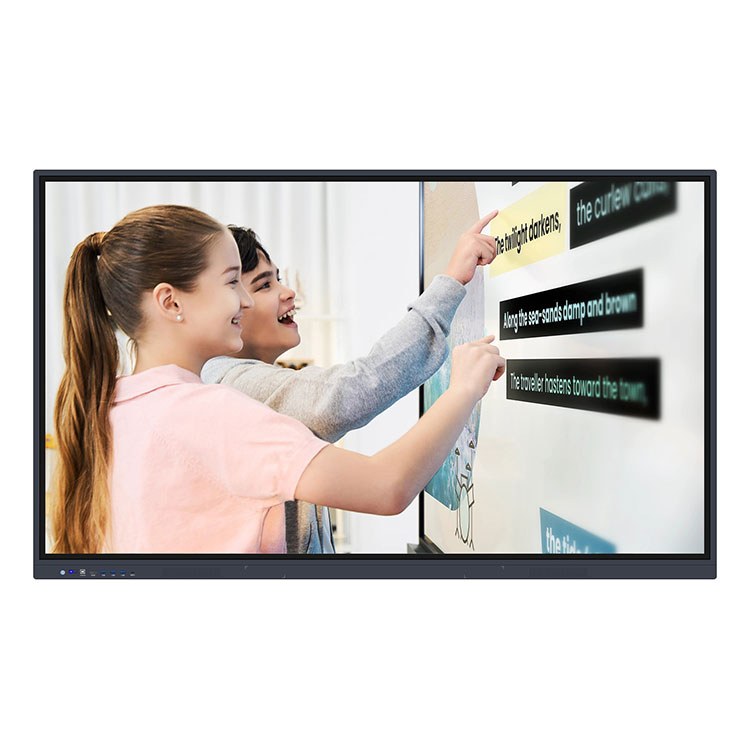
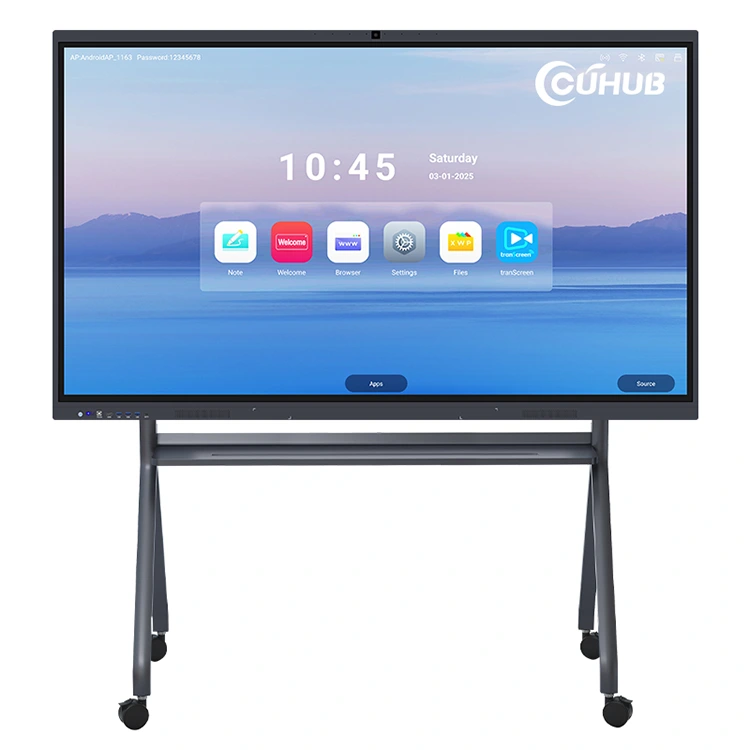
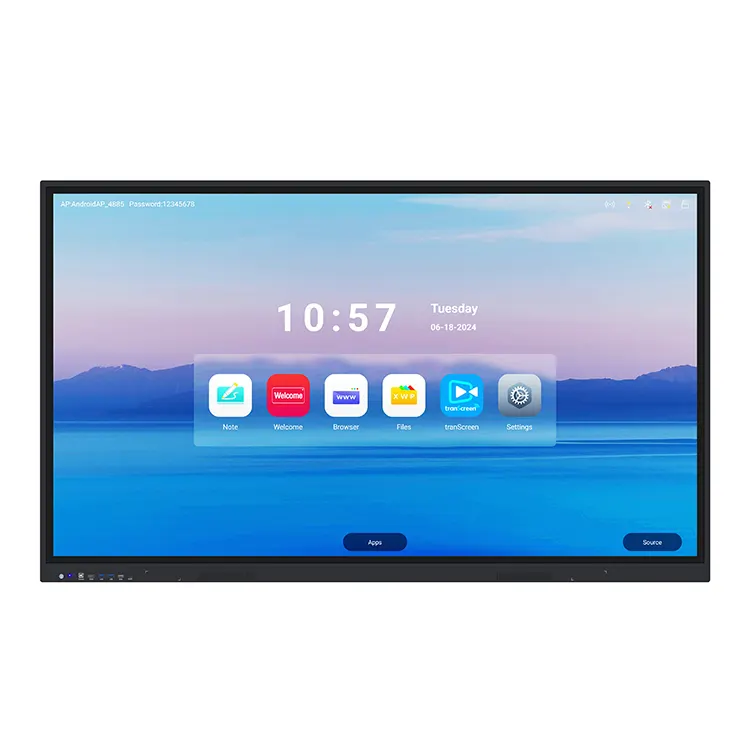
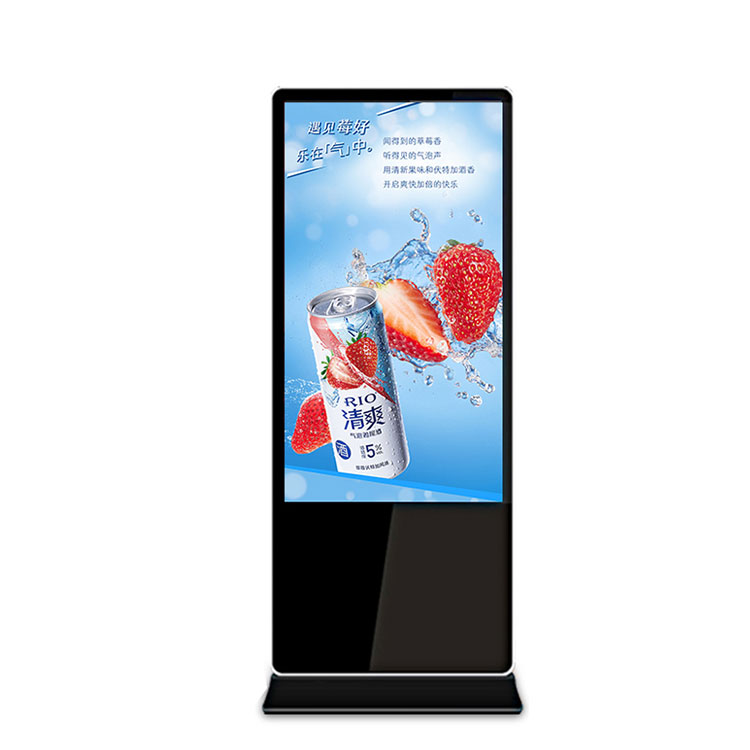
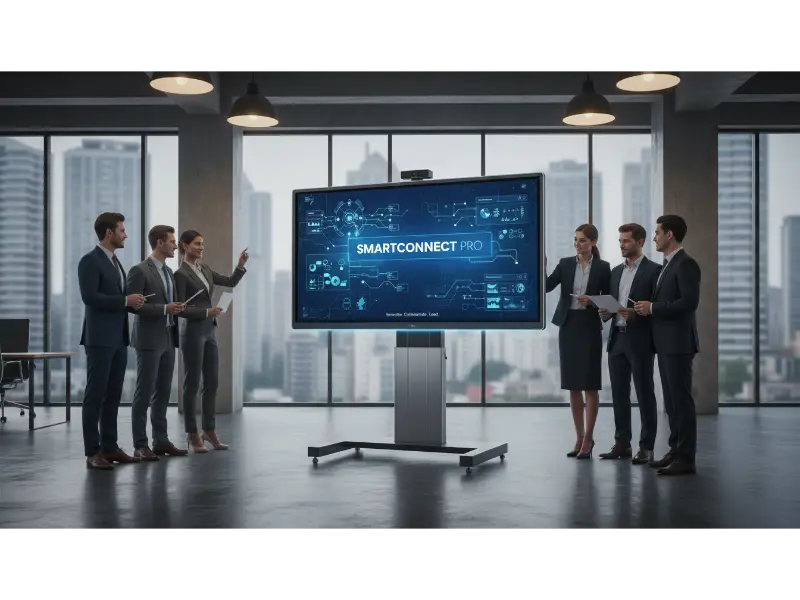
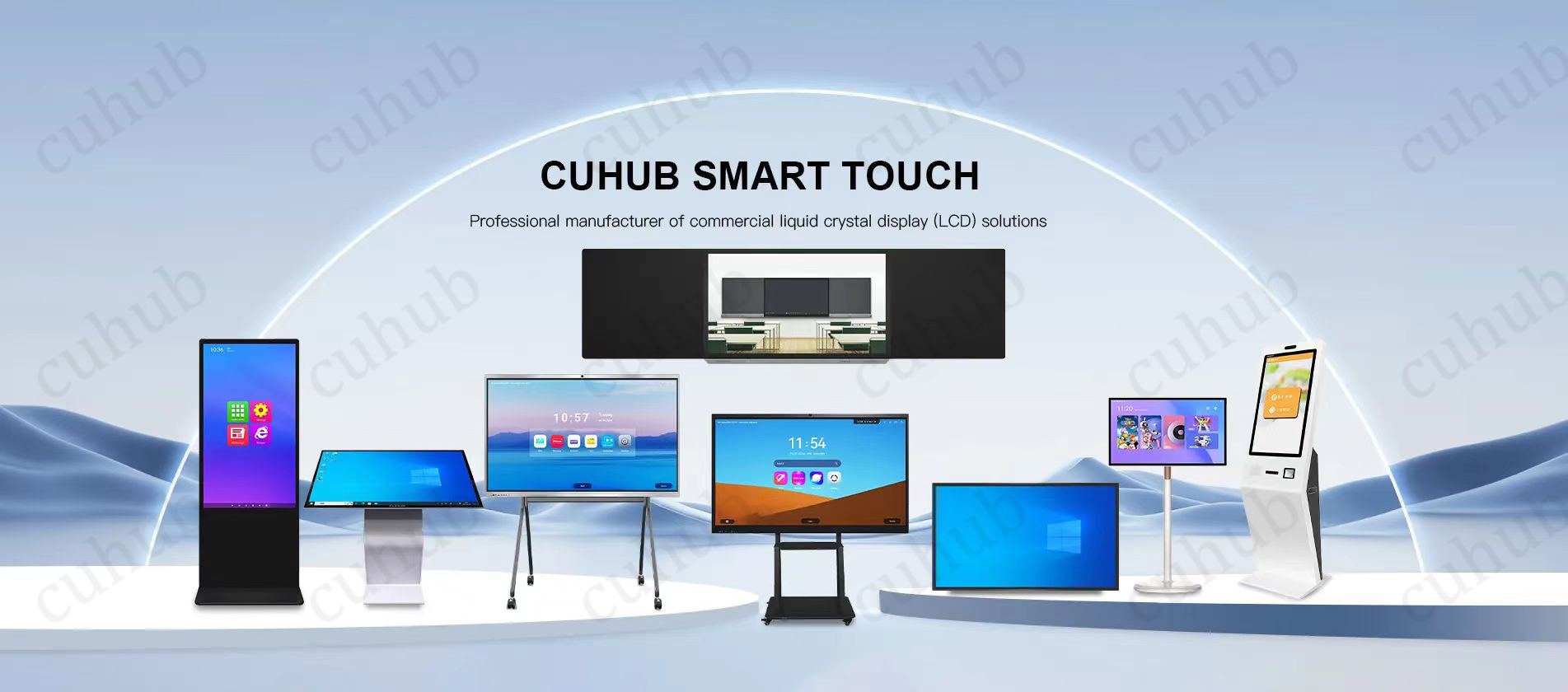
An Infrared Touch Interactive Flat Panel Display is a large-format screen that detects touch through an infrared light grid around the display’s edge. It combines presentation, annotation, whiteboarding, screen sharing, audio, and computing functions in one unit for meeting rooms, classrooms, and training spaces.
The touch method is only one part of the buying decision. Screen size, operating system, touch-point count, glass treatment, ports, software compatibility, mounting, and optional conferencing hardware all affect how the panel performs after installation.
An infrared interactive flat panel combines a display, touch frame, whiteboard, screen sharing, speakers, and computing options
The base product is a display with an infrared touch frame, integrated speakers, and an embedded operating system. Cuhub describes its panels with 4K presentation, anti-glare glass, wireless screen sharing, whiteboarding, split-screen operation, multi-point touch, and Android. An optional Windows PC module can create a dual-system configuration.
That distinction matters. Android handles common whiteboard, file-viewing, and sharing tasks without a separate computer. Windows may be needed for desktop applications, domain management, specialist teaching software, or an organization’s existing meeting-room platform. Buyers should confirm the Android version, available memory and storage, Windows module specification, update policy, and included software for the quoted model.
How infrared touch detection affects writing, multi-user input, object recognition, and everyday maintenance
Infrared emitters and receivers sit around the bezel and form an invisible grid across the glass. A finger, passive stylus, or other opaque object interrupts that grid; the controller calculates the contact location and sends it to the operating system.
This design can support multiple simultaneous touch points, but “multi-touch” isn’t a complete specification. Ask how many points work in Android and Windows, which applications recognize them, and whether the included whiteboard permits several people to write at once. If you need a 40-point touch interactive flat panel, require that capability on the exact hardware and software configuration rather than assuming every panel in a series supports it.
Object recognition also needs careful wording. The infrared frame detects interruptions; software usually decides whether an input behaves like a pen, finger, eraser, or palm. Test palm rejection and pen response with the application you’ll actually use. Writing feel is also affected by glass thickness, optical construction, calibration, software, and system latency—not just the infrared frame.
Keep the glass clean, but don’t ignore the bezel. Dust, labels, debris, or a damaged frame can obstruct the infrared path and create missed or false touches. Cleaning instructions should cover both the screen surface and the perimeter sensors.
Where an infrared interactive display fits—and what each environment requires
The same panel can serve a boardroom or classroom, but the supporting configuration should follow the room rather than a generic feature list.
Conference rooms: presentations, collaborative whiteboarding, wireless sharing, and remote-meeting workflows
For local meetings, confirm that wireless sharing supports the laptops, phones, and network policies used by your team. Check how presenters switch sources, annotate shared material, export notes, and display multiple inputs.
Remote meetings add another layer. Cameras and microphones may be optional rather than built into the base panel. Confirm camera placement, microphone pickup needs, speaker behavior, USB routing, and compatibility with your conferencing application. A panel that displays a video call isn’t automatically a complete room system.
Classrooms and training spaces: teacher controls, student participation, split-screen content, and device access
Classroom buyers should examine teacher controls, guest access, account management, app installation, and how quickly the panel returns to a clean session. Split-screen operation can help compare source material or keep instructions visible beside a whiteboard, but layouts and supported inputs vary.
Also check mounting height, sightlines, glare from windows, port access, and the number of simultaneous writers required. A large screen doesn’t fix poor placement. Younger students and wheelchair users must be able to reach the active writing area.
Infrared touch vs. capacitive touch: compare input methods, writing feel, durability, cleaning, and deployment cost
| Buying issue | Infrared touch | Capacitive touch |
|---|---|---|
| Input | Detects objects interrupting an edge-mounted light grid; commonly works with fingers and passive styluses. | Detects conductive contact and may require compatible pens or touch objects. |
| Writing feel | Depends heavily on calibration, glass construction, software, and total system latency. | Can provide precise touch, but performance still depends on the complete display stack and controller. |
| Cleaning and service | The glass and sensor perimeter must remain unobstructed. | The active surface must be cleaned according to its specified coating and construction. |
| Purchase decision | Commonly selected for large collaborative displays and multi-user input. | Often considered where touch behavior, edge design, or a particular pen experience takes priority. |
Don’t select between the two from touch-point count alone. Compare real writing samples, edge accuracy, palm behavior, replacement-part policy, warranty terms, and landed deployment cost. A specification sheet can’t show how a panel feels during a two-hour lesson.
Separate the base panel from optional Windows modules, cameras, microphones, accessories, and custom configurations
A quote should identify what is installed, what is packed separately, and what is merely available. The base panel may include Android, speakers, a touch frame, whiteboard tools, and screen sharing, while the Windows module, camera, microphone, mobile stand, wall mount, styluses, and cables may be separate line items.
Ask for a bill of materials or configuration schedule tied to the model number. For a dual-system interactive flat panel, confirm how users switch between Android and Windows, whether touch and connected USB devices follow the selected system, and which operating system controls the camera or microphone. Also verify whether accessories are covered by the same warranty as the display.
What should your RFQ confirm about operating systems, device compatibility, warranty, lead time, shipping, and support?
Your RFQ should turn broad features into testable requirements. State the destination, quantity, screen-size range, intended application, operating systems, required inputs, mounting method, network limits, accessory list, packaging needs, warranty expectations, spare-parts plan, delivery terms, and support language.
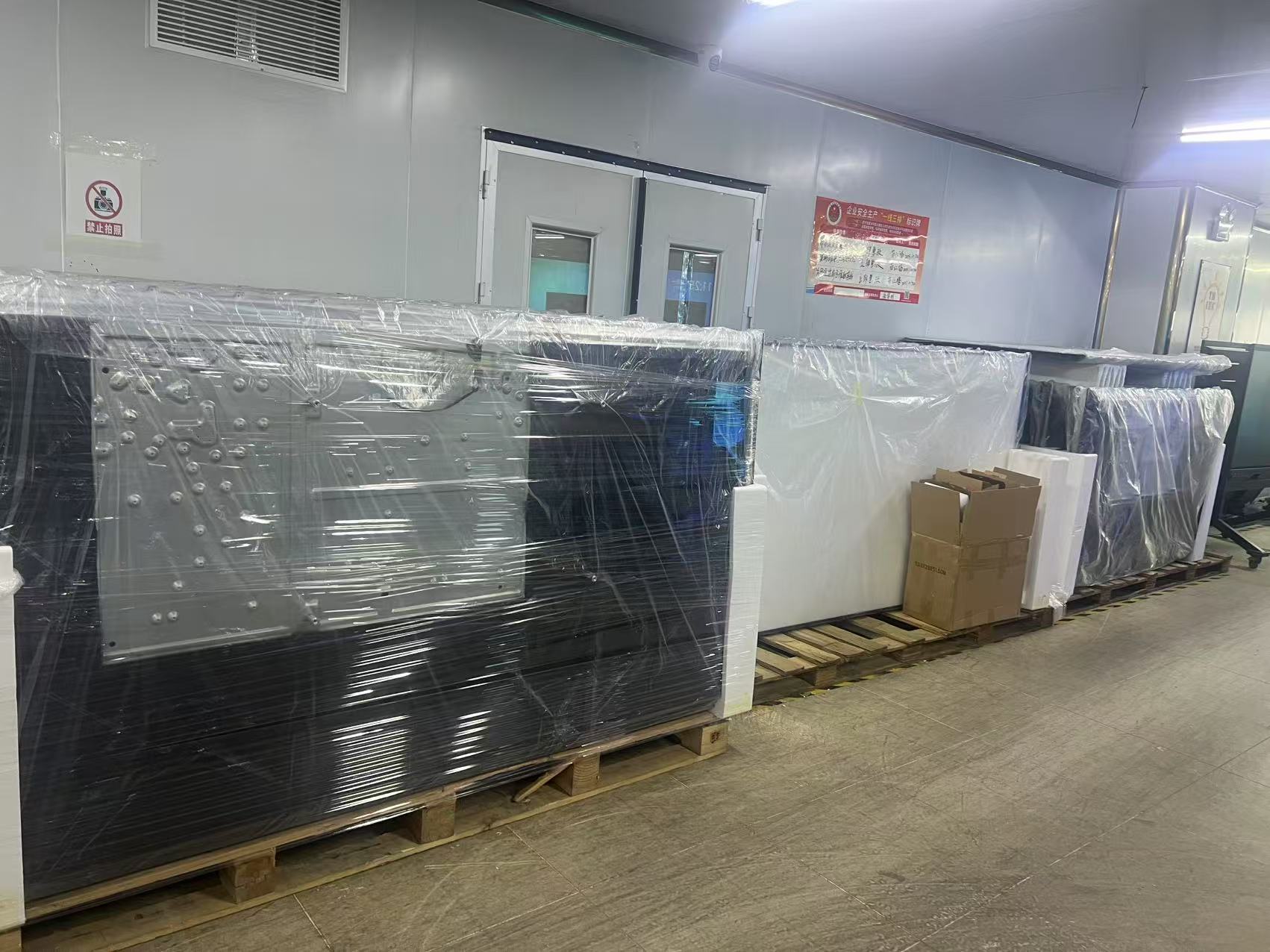
Request production and shipping lead times separately. Clarify sample availability, carton or crate details, shipment dimensions and weights, Incoterms, damage-claim procedures, and who provides installation support in the United States.
Request model-specific FCC and RoHS records, applicable U.S. safety documentation, and evidence for the exact ordered configuration
Cuhub states that its products hold CCC, CE, RoHS, and FCC certificates and that its factory operates ISO 9001, ISO 14001, and ISO 45001 systems. Those statements don’t replace order-level verification. ISO certificates concern management systems, while FCC, RoHS, and safety documentation address different requirements.
Request reports, declarations, certificate numbers, issuing bodies, model references, and validity dates for the exact panel, power configuration, Windows module, and wireless hardware being purchased. Ask which U.S. electrical-safety documentation applies to your installation; don’t assume an FCC record is a product-safety approval.
Define Cuhub’s OEM, ODM, SKD, or CKD scope, including branding, hardware changes, software requirements, samples, and acceptance testing
Cuhub presents itself as a Shenzhen manufacturer offering OEM, ODM, SKD, CKD, and product customization through four assembly lines and two dust-free workshops. Your RFQ still needs to define the requested scope:
- Choose OEM branding, a modified design, or a kit for local assembly.
- List logo placement, housing color, labels, startup graphics, packaging, manuals, and software settings.
- Identify hardware changes, approved components, substitution rules, and required accessories.
- Set sample, pilot-run, inspection, touch-test, display-test, aging-test, and acceptance requirements.
- Confirm minimum order quantities, engineering charges, tooling ownership, firmware support, spare parts, and change-control procedures.
Before requesting a final price, lock down the panel size, Android and optional Windows configuration, touch-point requirement, ports, wireless-sharing compatibility, camera and microphone scope, mounting hardware, documentation, warranty, and delivery terms. Then send that checklist with your inquiry for a Cuhub infrared interactive flat panel so the quotation reflects the product you intend to deploy—not an undefined base model.