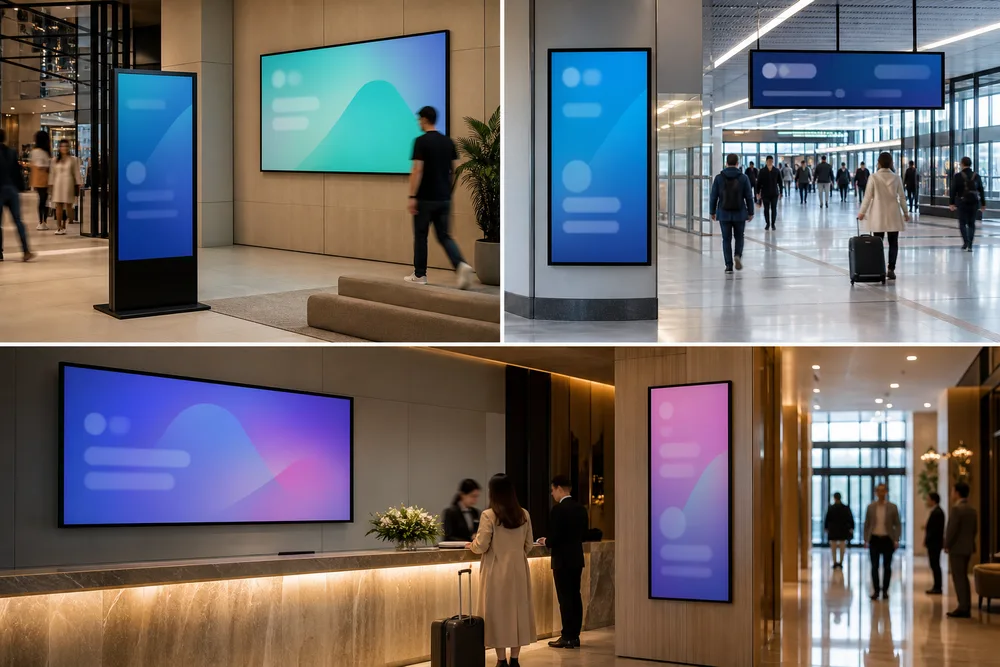
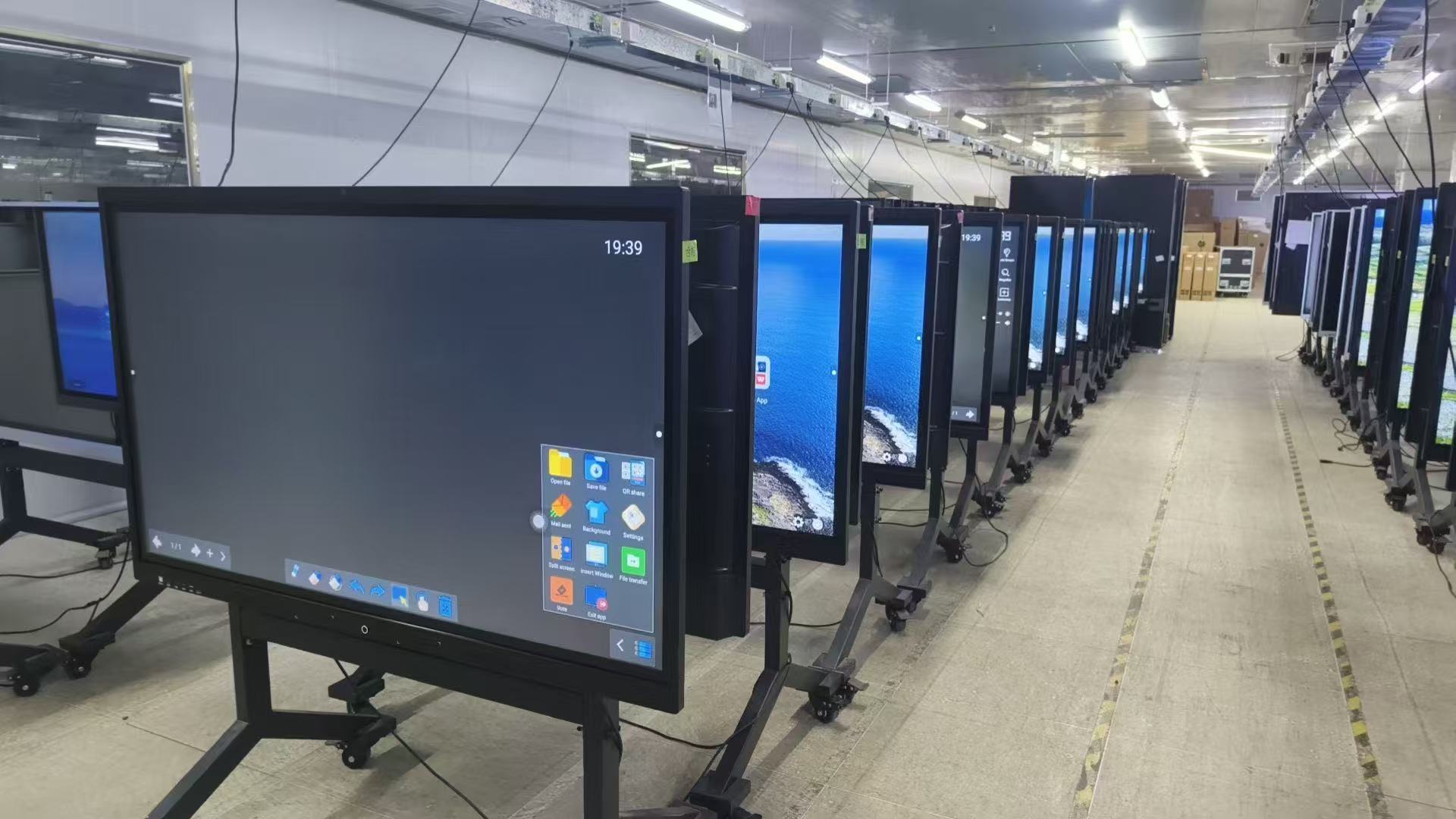
Do not approve outdoor wall mounted digital signage from a catalog description alone. Your quotation and purchase order should identify the display size, brightness configuration, orientation, enclosure protection, thermal-control method, mounting hardware, media player, content software, connectivity, power requirements, warranty and service responsibilities.
This matters because “outdoor,” “high brightness” and “24/7” describe intended use, not a complete specification. A screen may be bright enough for a shaded entrance but unreadable on a west-facing wall. A cabinet may resist rain from the front while allowing water through an incorrectly sealed cable entry. Remote publishing may also require a separate license or internet connection that never appeared in the initial price.
Treat the Cuhub outdoor wall-mounted advertising machine category as the starting point for configuration. The approved submittal—not the category page—should control what is manufactured and delivered.
Cuhub states that its outdoor wall-mounted displays can support 24/7 operation, customized brightness from 1000 to 3500 nits, automatic brightness adjustment, temperature control, remote monitoring, cloud publishing, touch interaction, and Wi-Fi, 3G or 4G connectivity. Those are useful capability ranges, but they should not all be treated as standard equipment on every unit.
| Capability | Procurement classification | What to document |
|---|---|---|
| 24/7 operation | Unconfirmed for the selected model | Duty rating, warranty conditions and any required maintenance or operating limits |
| 1000–3500-nit brightness | Customized | Ordered brightness, measurement basis and whether the figure refers to the panel or completed display |
| Automatic brightness adjustment | Unconfirmed until listed | Ambient-light sensor location, control range and manual override |
| Temperature control | Unconfirmed until engineered | Fans, heat exchanger, air conditioning or heater configuration, plus operating-temperature limits |
| Remote monitoring and cloud publishing | Software-dependent | Included functions, license term, server arrangement, user permissions and ongoing fees |
| Touch interaction | Optional | Touch technology, supported operating system, cover-glass arrangement and behavior when wet or gloved |
| Wi-Fi, 3G or 4G | Optional or customized | Installed modem, antenna placement, carrier bands, SIM responsibility and data plan |
A 24/7 duty statement does not establish expected panel life or guarantee continuous service under every temperature condition. Ask for the operating limits and warranty language tied to the exact configuration.
Define how content reaches the screen before selecting communications hardware. Confirm whether the content management system is included, licensed per display or billed as a subscription. Ask who hosts it, which file formats it accepts, whether approval workflows are available and what remote monitoring actually reports.
Wireless support is not the same as guaranteed connectivity. Wi-Fi signal strength must be checked at the mounting position, behind the metal enclosure. Cellular versions need compatible US carrier bands and an antenna arrangement that works in the finished installation; 3G availability is now limited in the US. If Ethernet is required, specify it because Cuhub’s stated Wi-Fi, 3G and 4G options do not confirm a wired network port.
The player should retain scheduled content during an outage and resume synchronization without on-site intervention. Also state portrait or landscape orientation on the order. Rotation affects artwork, touch coordinates, ventilation and mounting—not just screen layout.
The wall and installation plan should determine the display configuration, not the other way around. Obtain a dimensioned drawing showing overall size, weight, mounting points, center of gravity, ventilation clearances, door swing or panel-removal space, and power and data entry locations.
Have the installer or project engineer verify the wall construction and anchor method. Masonry, structural steel and framed walls need different attachments; exterior cladding alone may not carry the load. The mount also has to resist local wind and prevent unauthorized removal where the screen is accessible to the public.
Cable routing is a common late-stage failure. Specify where mains power, Ethernet and antenna cables enter, who supplies disconnects or surge protection, and how penetrations will be sealed. Leave enough access to replace filters, fans, power supplies, media players and LCD assemblies. A flush-looking installation loses its appeal quickly if routine service requires removing the entire cabinet from the wall.
Start with the actual wall: compass direction, hours of direct sun, nearby reflections, roof overhang, wind-driven rain, seasonal temperatures, dust, pedestrian reach and viewing distance. “Outdoor rated” is too broad to settle these questions.
A sunlight readable wall-mounted display needs enough luminance and contrast for its worst viewing period. Cuhub states a customizable range of 1000–3500 nits, but the highest figure is not automatically the right choice. Direct sun, shade and nighttime operation create very different requirements.
Ask the supplier to recommend a brightness configuration from site photographs, orientation and operating hours. Automatic adjustment can reduce excessive nighttime brightness and power use, provided the light sensor is not shaded by the enclosure or fooled by nearby fixtures. Content design still matters: thin type, low-contrast photography and dense menus can remain difficult to read on a bright screen.
Do not call a unit weatherproof without model-level evidence. Request the enclosure’s stated ingress-protection rating and supporting test documentation, then confirm whether that rating applies to the whole installed assembly, including doors, touch glass, vents and cable glands.
Temperature control also needs a defined design. “Cooling” might mean filtered fans, a heat exchanger or active air conditioning; each has different power, noise and maintenance implications. Direct solar load can heat a dark cabinet well above ambient temperature. In cold or humid sites, internal heating and condensation control may be just as important. Ask how water drains, how air paths are protected and what maintenance the cooling components require.
Request photographs or references from installations with exposure similar to yours—not only indoor showroom images. Look for glare, cabinet discoloration, water staining, blocked vents, visible cabling and the space technicians need to open the unit.
Documentation should identify the same model, electrical configuration and manufacturer named on your quotation. Ask for mechanical drawings, electrical input data, installation instructions, environmental limits, maintenance guidance and complete warranty terms. Clarify coverage for the LCD panel, backlight, touch system, cooling parts, media player and labor.
For US projects, the authority having jurisdiction, property owner or customer may require an applicable UL listing or ETL mark. FCC requirements may apply to digital and radio equipment. CE and RoHS documents relate primarily to European-market conformity and substance restrictions; they should not be presented as substitutes for US electrical-safety acceptance. Verify document numbers, model scope and issuing organization rather than accepting certification logos on a brochure.
Send this checklist with your site details when requesting a documented configuration for outdoor wall mounted digital signage. Compare total deployed cost and confirmed scope—not the screen price alone.