Commercial property managers leave money on the table every single day. Lobbies, elevator banks, and outdoor plazas see thousands of footfalls, yet these spaces usually host nothing more than static wayfinding signs, blank walls, or outdated tenant directories. Every time you print, mount, and eventually replace a physical promotional poster, you spend money on a depreciating asset that generates zero direct return.
A building advertising machine reverses this dynamic. It replaces static dead zones with a digital, remotely managed asset that generates ad revenue, updates in real-time, and runs 24/7.
The primary advantage is monetization combined with operational efficiency. Instead of treating building signage as a pure maintenance expense, property owners can sell programmatic or direct advertising space while simultaneously handling internal building communications through smart split-screen modes. But achieving this requires commercial-grade hardware designed for the specific realities of high-traffic public deployment.
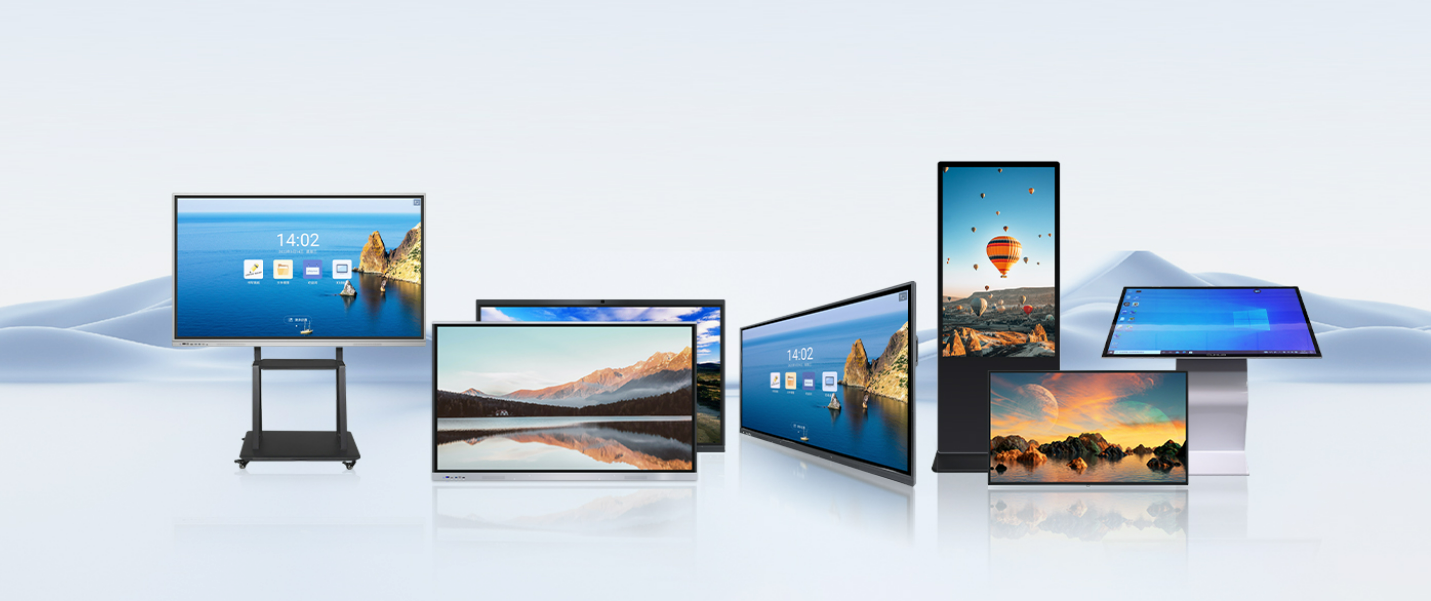
Moving from printed signs to digital screens is not just an aesthetic upgrade. It represents a shift from a cost center to a profit center.
Commercial real estate operates on tight margins, and property owners are constantly looking for ways to maximize the yield of their existing square footage. Installing a digital advertising display allows you to lease screen time. You can sell inventory directly to local businesses—like a coffee shop on the ground floor or a nearby gym—or integrate the screens into larger Digital Out-of-Home (DOOH) networks that automatically serve national brand advertisements.
The financial model works because digital inventory is functionally infinite. A physical backlit poster can only sell one ad space per month. A digital display running a 60-second loop of 10-second ads can sell six ad spaces in the same physical footprint. Multiply that by hundreds of loops a day, and the revenue potential scales rapidly.
There is a distinct trade-off to acknowledge. Buying the hardware requires an upfront capital expense, and generating revenue requires either an internal ad-sales strategy or a revenue-share agreement with a media network. If you purchase a screen, bolt it to a wall, and leave it running a default welcome message, it remains a wasted investment. The advantage only materializes when the screen is actively managed as a media asset.
Location dictates both the hardware you buy and the revenue you can expect. Advertisers pay for impressions and dwell time. Dropping a screen in a low-traffic service corridor yields nothing. You have to intercept people where they naturally pause or congregate.
Dwell time is the single most important metric in digital advertising, and nowhere in a commercial building has higher natural dwell time than the elevator bank. People wait anywhere from 30 to 90 seconds for an elevator to arrive. During that window, they are a captive audience looking for visual stimulation.
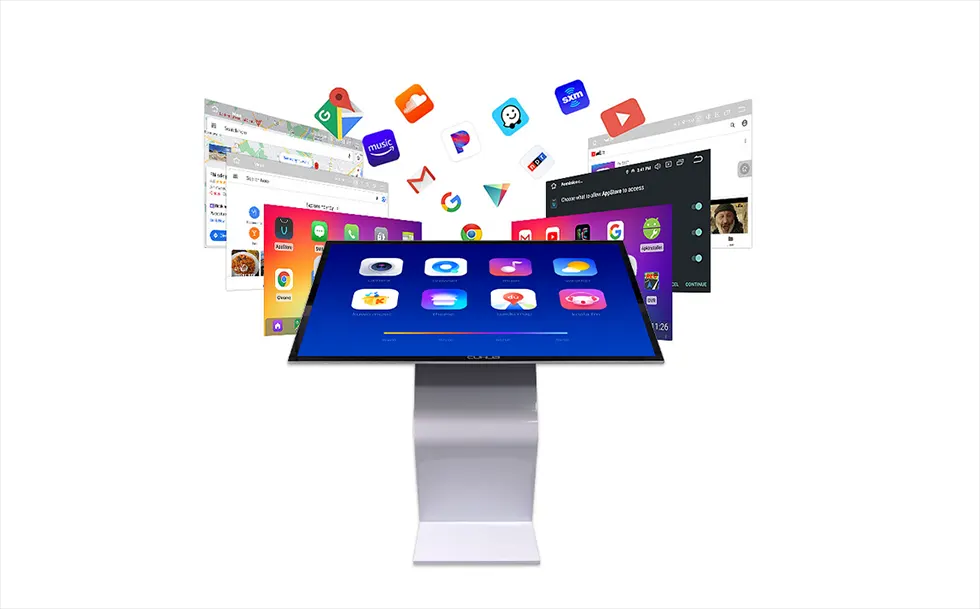
Placing elevator lobby advertising displays in these zones guarantees high impression rates. This is also where the functional utility of the screen comes into play. Visitors need to know what floor their meeting is on. By deploying a touch screen building directory machine, you serve two functions at once.
Using a split screen building advertising display format is the standard approach here. The software partitions the 4K screen into distinct zones. The bottom half of the screen operates as an interactive tenant directory and wayfinding map. The top half loops high-definition video advertisements. The user gets the information they need, and the property owner gets the ad impression. Because the screen is interactive, you also gather analytical data on what tenants or locations are searched for most often.
Capturing foot traffic before it even enters the building expands your audience exponentially, but moving outside changes the physical reality of the hardware entirely.
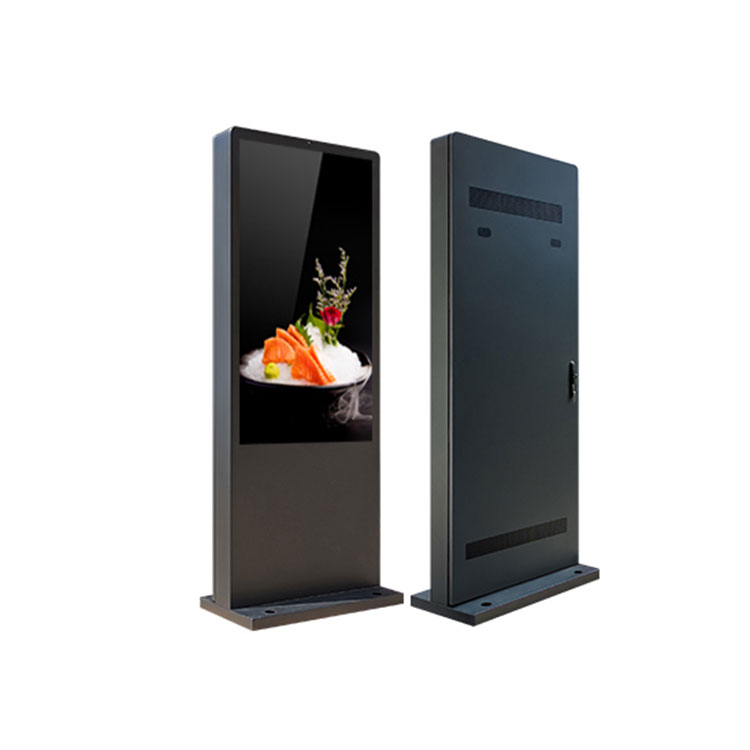
An outdoor vertical advertising machine cannot be a repurposed indoor television. When property developers make the mistake of mounting standard indoor screens outside in custom enclosures, the failure rate is near 100% within the first year. Indoor screens lack the brightness to be seen in the sun, and their liquid crystal panels literally boil and turn black when exposed to direct solar heat loads—a failure mode known as solar clearing.
Deploying screens in exterior plazas requires purpose-built waterproof outdoor advertising machines. These units must be sealed against rain, dust, and insects (typically rated IP55 or IP65). They are subjected to extreme temperature swings, requiring internal HVAC systems or advanced fanless thermal dissipation to keep the internal electronics functioning whether it is freezing rain or a 100-degree summer afternoon.
Consumer televisions are designed to run for a few hours a day in a climate-controlled living room. Commercial building digital signage displays are designed to run 24 hours a day, 7 days a week, 365 days a year in hostile public environments. The specifications matter.
Brightness and Visibility: Standard indoor screens output around 300 to 400 nits of brightness. If you place a 400-nit screen in a bright atrium or outdoors, it looks completely black. A proper building advertising machine pushes between 1000 and 3500 nits. Indoor units in sunlit lobbies usually require 1000 to 1500 nits. True outdoor units facing direct sunlight require at least 2500, with 3500 nits being the standard for guaranteed daylight readability. This high brightness ensures that 4K video content remains vivid and eye-catching regardless of ambient lighting.
Enclosure Durability: Publicly accessible screens attract vandalism, accidental impacts, and environmental wear. Premium units utilize galvanized steel enclosures. Unlike standard cold-rolled steel, galvanized steel is treated with a protective zinc coating that prevents rust and corrosion, which is non-negotiable for outdoor placements or humid environments.
Screen Protection: The LCD panel itself is the most expensive component and the most fragile. Commercial units protect the panel behind AR (Anti-Reflective) glass. AR glass serves two purposes. First, it drastically reduces surface glare from overhead lobby lights or the sun, allowing the high-nit display to punch through. Second, it is tempered to withstand significant physical impact. If someone hits the screen with a briefcase or a heavy object, the AR glass absorbs the blow, protecting the sensitive 4K panel behind it.
Managing the content on your screens should not require physical labor. A surprising number of facilities managers still update lobby screens by walking down to the ground floor with a USB flash drive, plugging it in, and manually copying video files. That method works for one screen. It becomes a logistical nightmare when you manage fifty screens across a portfolio of three different properties.
A modern remote management advertising machine operates via a cloud-based Content Management System (CMS). The displays connect to the building's network via Wi-Fi, Ethernet, or integrated 4G/5G cellular modules. From a single computer anywhere in the world, a network manager can push software updates, change video files, and monitor the health of the entire fleet.
This remote capability allows for dayparting—a crucial tactic for maximizing ad revenue. Dayparting means scheduling different content for different times of the day. You can program the screens to show ads for the ground-floor coffee shop from 7:00 AM to 10:00 AM, switch to lunch specials for nearby restaurants at noon, and display ride-share promotions during the 5:00 PM exit rush. Cloud management ensures these transitions happen automatically without requiring staff intervention.
Furthermore, this connectivity is what allows integration with programmatic DOOH platforms. Instead of selling ads manually, property owners can connect their screens to automated exchanges where advertisers bid on screen time in real-time. The CMS handles the playback and reports the exact number of impressions back to the exchange for billing.
How you source your advertising hardware heavily influences your return on investment. The most common mistake buyers make is purchasing through multiple layers of distributors and resellers. By the time the hardware reaches the building site, the price has been inflated by middleman markups, and technical support is disconnected from the people who actually built the machine.
Sourcing directly from a source factory changes the economics and the level of customization available. Cuhub® is a Shenzhen-based source manufacturer specializing in these specific displays. Buying from an OEM building advertising machine manufacturer means you are dealing directly with the factory floor.
This direct relationship unlocks OEM (Original Equipment Manufacturer) and ODM (Original Design Manufacturer) capabilities that off-the-shelf resellers cannot offer. Commercial properties rarely want a generic black box bolted to their expensive marble lobbies. A direct manufacturer can customize the galvanized steel enclosure to match the exact RAL color code of your building's architectural branding. They can integrate specific touch query systems, alter the screen size to fit a precise architectural alcove, or upgrade the internal cooling fans based on the specific climate of your deployment city.
When you buy direct, you also secure better warranties and faster access to replacement parts, because the company supporting the product is the same company that engineered it.
To stop leaving revenue on the table and start converting your high-traffic areas into digital assets, review the technical specifications and customization options available directly from the source factory. Evaluate your floor plans, identify your highest dwell-time locations, and spec the exact hardware required for those environments.