What is Interactive Flat Panel Display? Revolutionizing Collaboration in the Digital Age
Walk into a modern classroom or corporate boardroom today, and you will notice something has changed. The dusty chalkboard and the tangled projector setup are quickly disappearing. In their place is a sleek, brilliant screen that looks like a giant tablet—this is the Interactive Flat Panel Display (IFPD) .
But what exactly is an IFPD, and why are businesses and educational institutions making the switch?
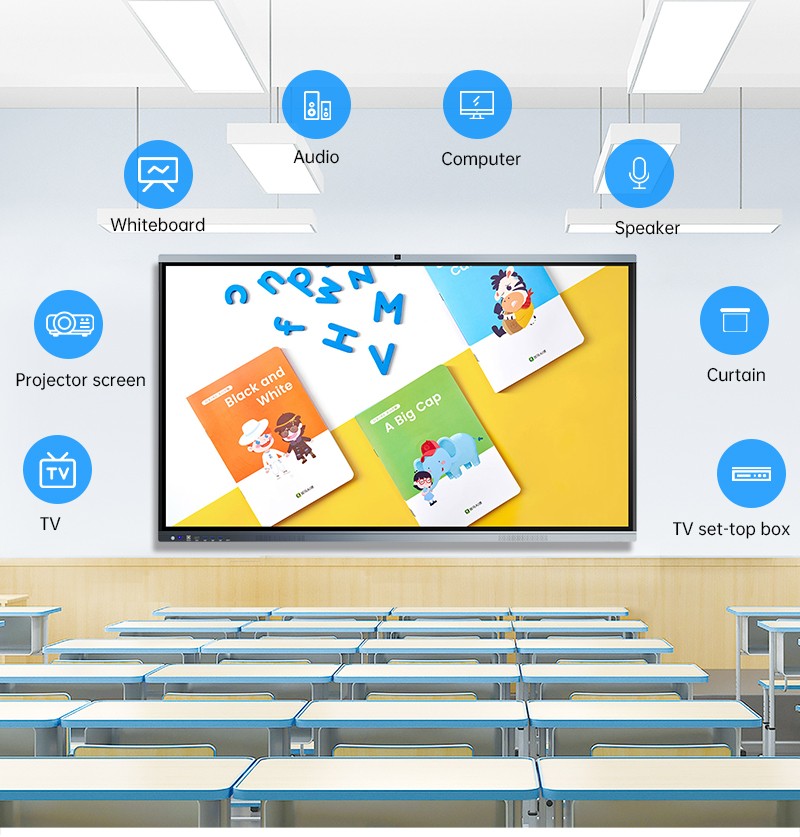
At its core, an interactive flat panel display is a large, touch-sensitive screen designed for group collaboration. Unlike a traditional TV or projector, it combines high-definition display capabilities with advanced touch technology, turning any wall into an interactive hub for teaching, presenting, and brainstorming.
Beyond the Screen: What Makes IFPD Different?
If you have ever struggled with a flickering projector bulb, messy cables, or the inability to write over your presentation, you already understand the problems an IFPD solves.
An IFPD integrates three essential functions into one device:
A High-Definition Display: Offering 4K Ultra HD resolution, these panels deliver exceptional clarity, making text, images, and videos visible even in brightly lit rooms—something projectors struggle with.
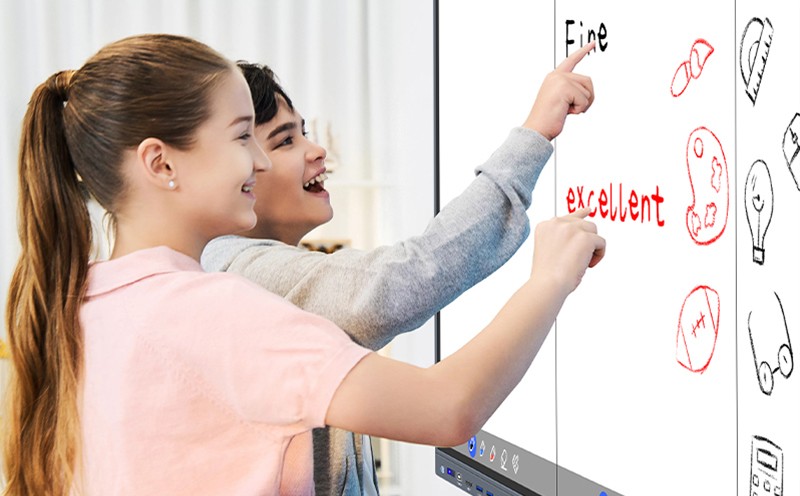
A Touch-Enabled Interface: Using infrared (IR) or capacitive touch technology (the same technology found in smartphones), users can navigate, write, zoom, and move objects on the screen using fingers or styluses.
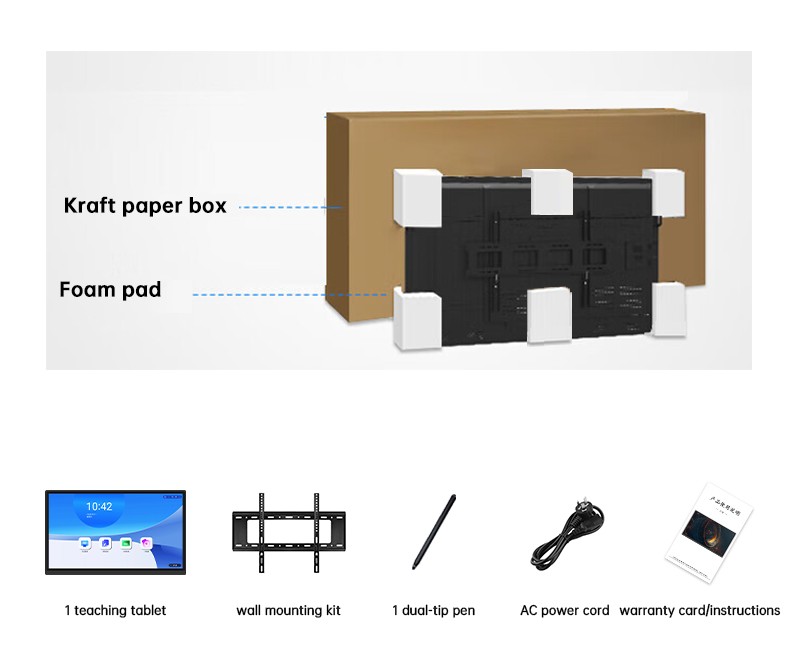
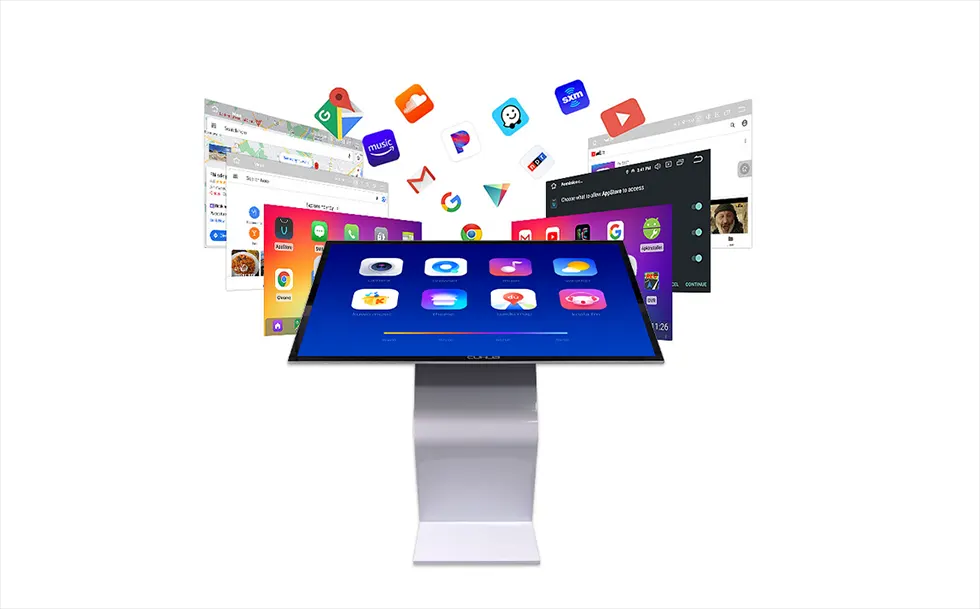
A Built-in Computer (Often): Most IFPDs come with integrated Android or Windows operating systems, allowing them to run collaborative software, web browsers, and educational apps without needing an external laptop.
How It Works in the Real World
To understand the impact, let us look at two common scenarios where IFPDs are making a tangible difference.
Scenario 1: The Modern Classroom
A teacher enters a classroom and turns on the IFPD. Instead of preparing slides in advance, they open a blank digital whiteboard. Students come to the front and solve equations by hand, their handwriting captured digitally. The teacher pulls up a 3D model of a molecule from an online resource, rotates it with their fingers, and annotates directly on top of it. After class, the entire lesson—including the annotations—is saved as a PDF and shared with students via QR code. No one misses the chalk dust.
Scenario 2: The Corporate Meeting Room
A project manager leads a video call with remote clients. On the IFPD, they split the screen: the video conference occupies half, while a blueprint of a new product sits on the other half. The manager draws directly on the blueprint to suggest changes. Remote participants see the annotations in real-time on their laptops. At the end of the meeting, minutes are automatically generated and sent to all attendees. The days of "Can everyone see my screen?" are over.
Key Advantages Over Traditional Projectors
For organizations still using older technology, the benefits of upgrading to an IFPD are compelling:
Feature Traditional Projector / Whiteboard Interactive Flat Panel Display
Image Quality Dims in ambient light; requires bulbs to be replaced regularly Bright, consistent 4K clarity; no bulb replacements
Installation Complex wiring; ceiling mounts; distance calculations Simple wall mount; single power cord; minimal cabling
Interaction Passive viewing; separate whiteboard needed Direct on-screen annotation; multi-touch interactivity
Maintenance High (bulbs, filters, calibration) Low (no consumables; solid-state technology)
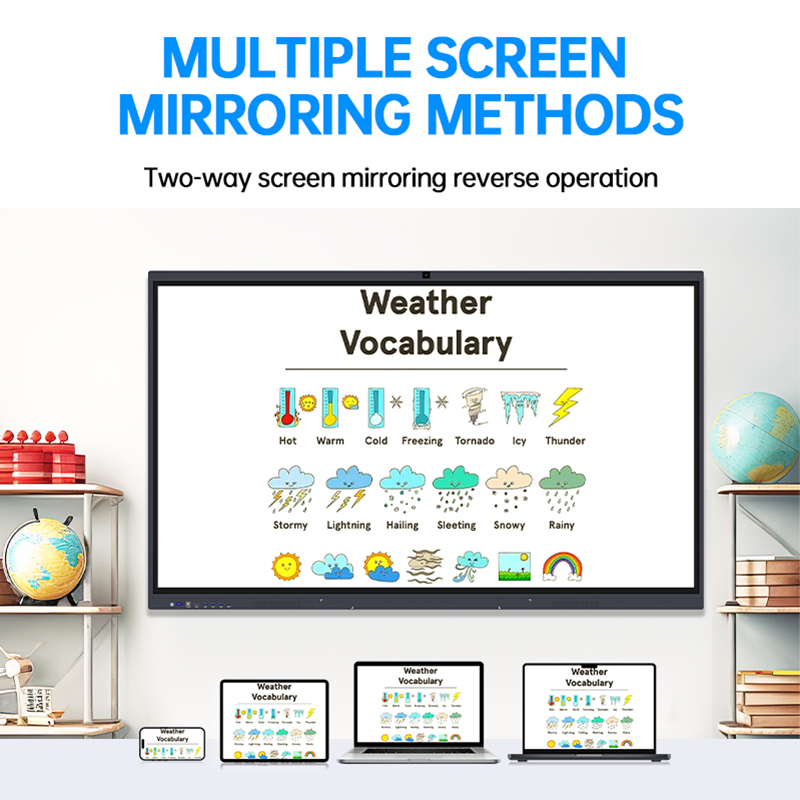
Collaboration Limited to in-room attendees Built-in wireless casting; native video conferencing; real-time sharing
Choosing the Right IFPD: What to Look For
If your organization is considering purchasing an interactive flat panel display, here are a few practical factors to consider based on real-world usage:
Size Matters: Common sizes range from 55 inches to 86 inches or larger. For a typical classroom or small-to-medium meeting room, 65 to 75 inches is the sweet spot. For larger lecture halls or executive boardrooms, 86 inches provides better visibility from the back of the room.
Touch Accuracy: Look for displays with fine-tuned stylus support. In education, where handwriting recognition is key, lower latency (the delay between touching the screen and seeing the line appear) makes a significant difference in user experience.
Built-in Software: The hardware is only half the story. A good IFPD comes with intuitive whiteboarding software, screen recording, and seamless integration with tools like Google Classroom, Microsoft Teams, or Zoom.
Durability: Unlike consumer TVs, IFPDs are built for constant use. They feature tempered glass screens (often anti-glare and scratch-resistant) designed to withstand thousands of touches over years of daily operation.
The Rise of Hybrid Work and Learning
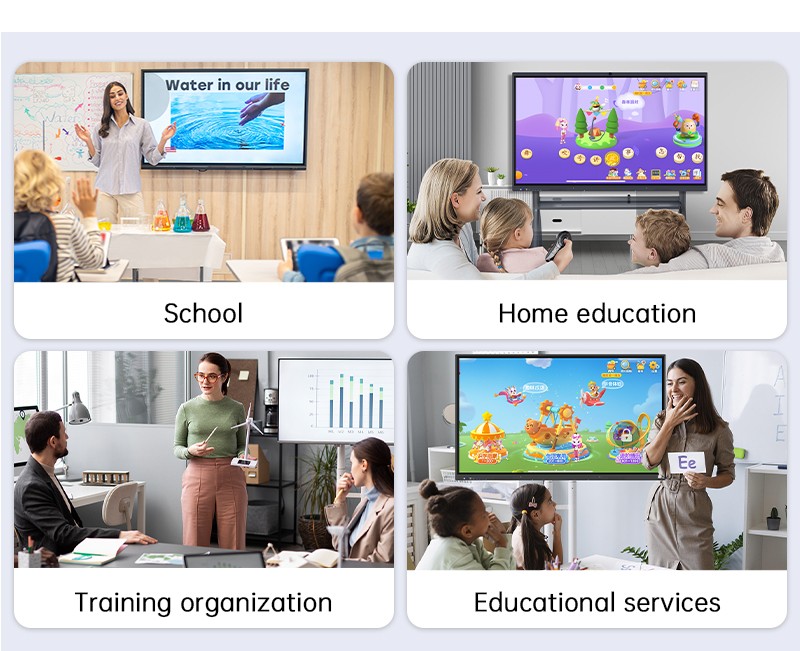
The surge in demand for IFPDs is no coincidence. As organizations embrace hybrid work models—where some participants are in the room and others are remote—the need for an inclusive collaboration tool has become essential.
An IFPD acts as the centerpiece of this hybrid environment. It ensures that remote participants are not just "listening in" but are actively engaged, able to see content clearly and contribute to the discussion. In education, it allows teachers to engage both in-person and at-home students simultaneously.
Conclusion
The interactive flat panel display is more than just a screen—it is a gateway to more engaging teaching, more efficient meetings, and more effective collaboration. By consolidating multiple tools into one intuitive platform, it simplifies technology, reduces long-term costs, and creates experiences that passive projectors simply cannot match.
As the workplace and classroom continue to evolve, the IFPD has established itself as an essential tool for any organization looking to foster collaboration in the digital age.
Is your organization ready to upgrade its collaboration tools? [Contact us today] to explore our range of interactive flat panel displays and find the perfect fit for your space.