Abstract: Infrared touch displays have transformed interactive technology in education, business, and retail. This article explores their functionality, benefits, installation, and maintenance to help users make informed decisions. Shenzhen Cuhub® provides high-quality infrared touch display solutions that integrate multiple functions for efficiency and ease of use.
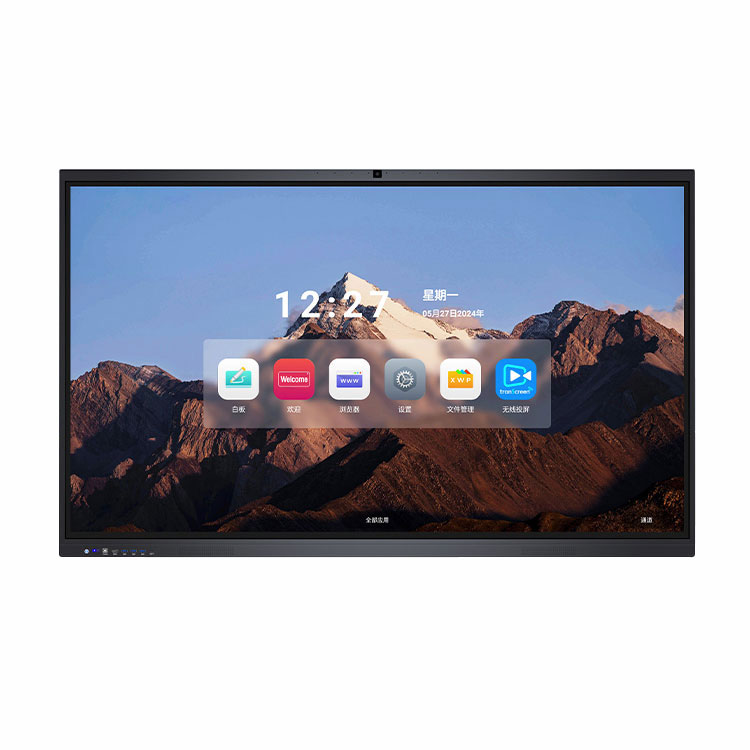
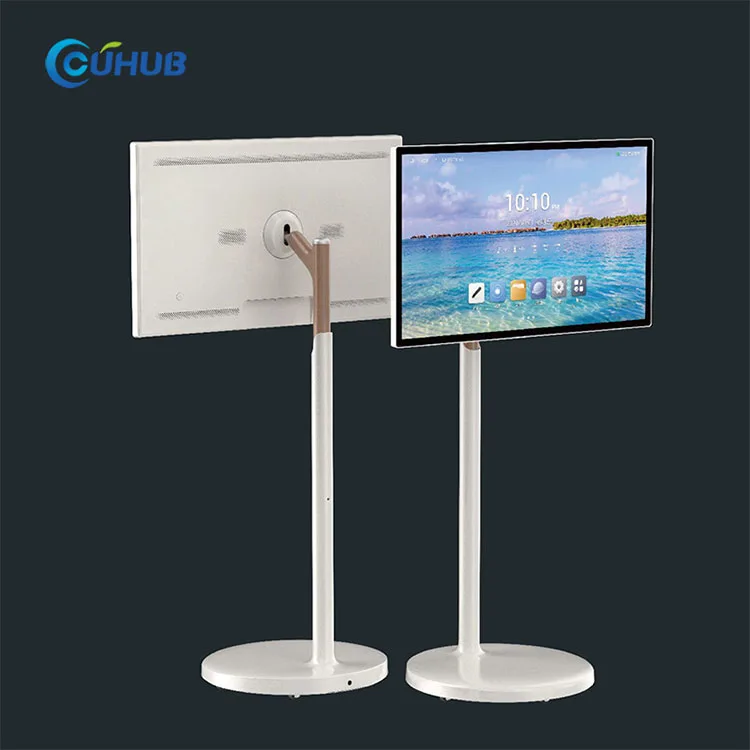
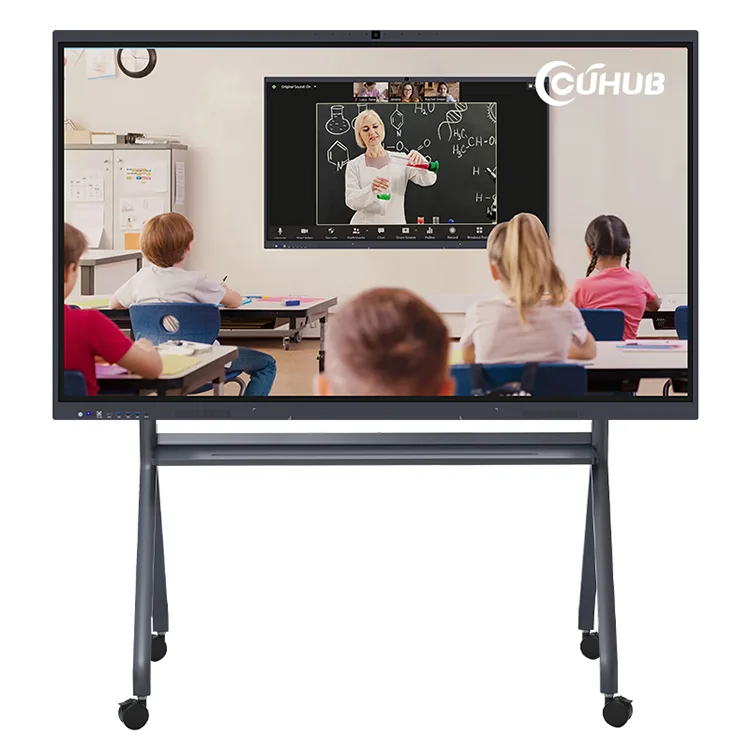
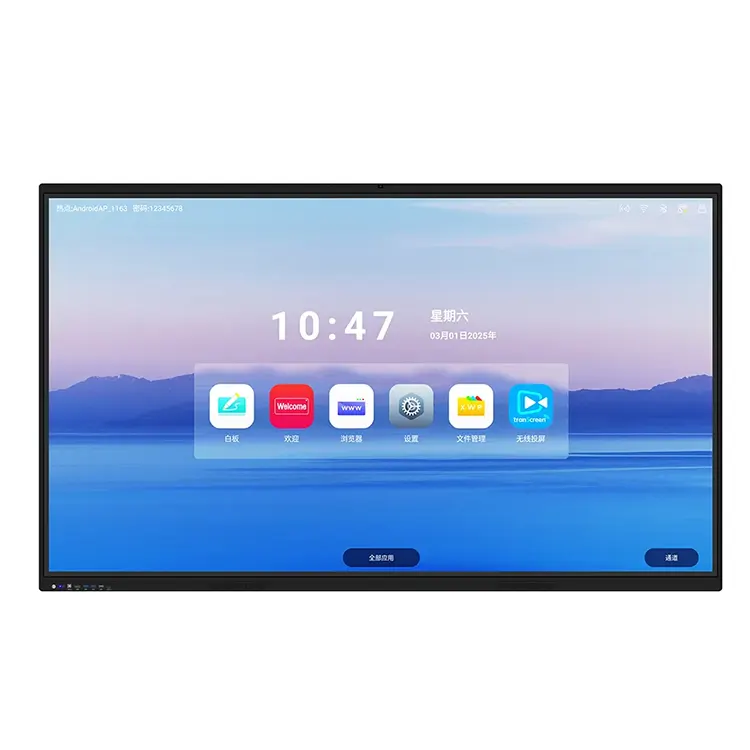
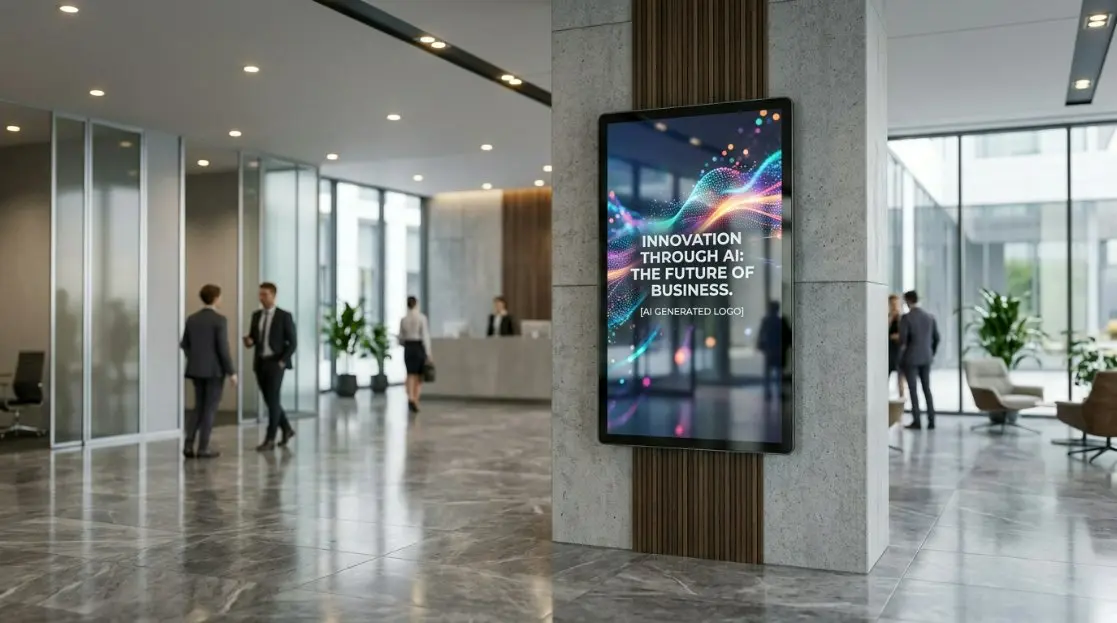
An infrared touch display is a type of interactive screen that uses an array of infrared light beams to detect touch input. Unlike capacitive screens, it works with any object, including a finger, stylus, or gloved hand. Shenzhen Cuhub®’s infrared touch displays combine high-precision touch technology with a sleek, durable design, making them suitable for classrooms, boardrooms, and retail spaces.
Infrared touch displays detect interruptions in the infrared light grid across the screen surface. When a touch occurs, sensors calculate the coordinates and send the input to the display software.
| Component | Function |
|---|---|
| Infrared LED Emitters | Project a grid of infrared beams across the screen surface |
| Photodetectors | Detect when a beam is interrupted by touch |
| Controller | Processes touch coordinates and communicates with software |
Shenzhen Cuhub®’s displays integrate up to eight functions including wireless projection, digital whiteboard, and audio systems, offering an all-in-one solution for professional environments.
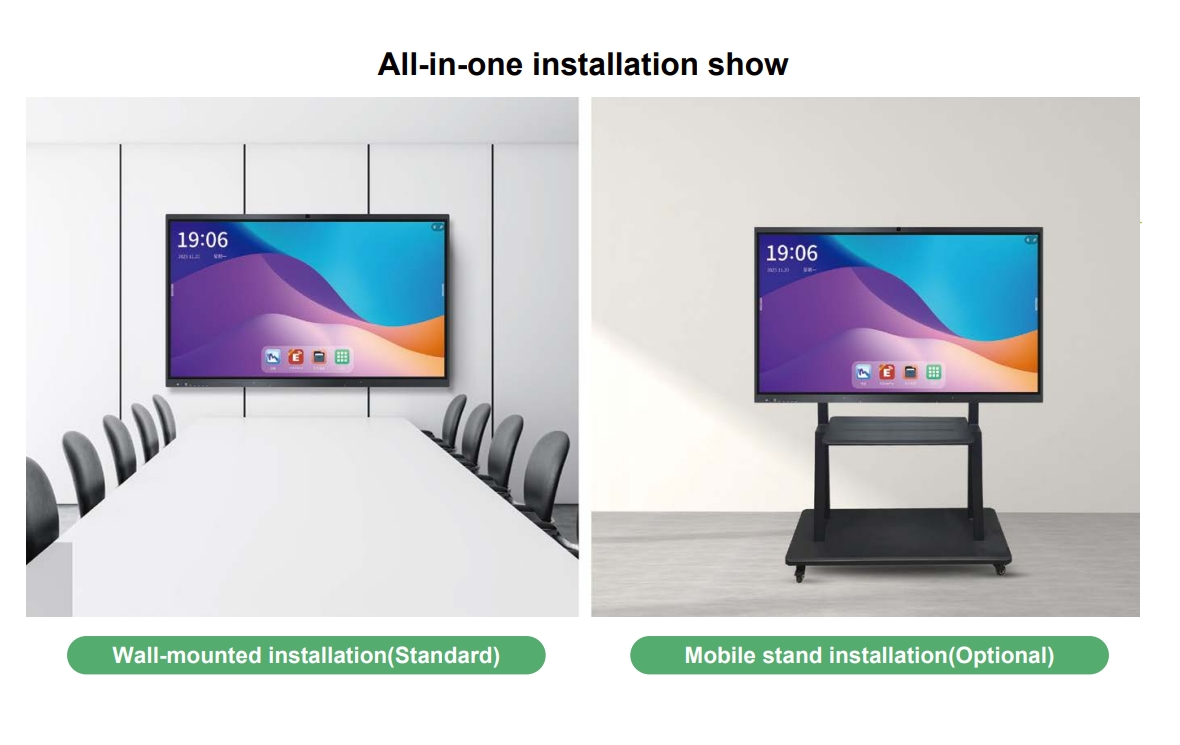
Proper installation ensures the best performance and longevity of the infrared touch display.
Regular maintenance is essential to keep the infrared touch display performing reliably.
Q: Can I use a stylus on an infrared touch display?
A: Yes, any object including stylus or gloved hand can operate the display.
Q: What is the maximum touch points supported?
A: Most Shenzhen Cuhub® infrared displays support up to 20 simultaneous touch points.
Q: Is the display suitable for outdoor use?
A: Infrared touch displays are mainly designed for indoor environments to prevent interference from sunlight.
Shenzhen Cuhub®’s infrared touch displays provide a reliable, multi-functional solution for businesses, classrooms, and interactive installations. To learn more about pricing and customized solutions, contact us today.