An “outdoor-rated” line item isn't enough to buy from. A kiosk that performs well under a covered entrance can become unreadable, overheat, collect condensation, or lose network access when installed beside an unshaded parking lot.
The shortest useful answer is this: document the site first, then issue an RFQ that defines measurable display, enclosure, thermal, electrical, accessibility, communications, mounting, and service requirements. Don't ask vendors to choose those requirements from a site photograph.
An outdoor digital signage kiosk is a system, not just an LCD inside a metal cabinet. Its screen, protective glass, seals, cooling components, antennas, foundation, power feed, software, and service plan must work together at the intended location.
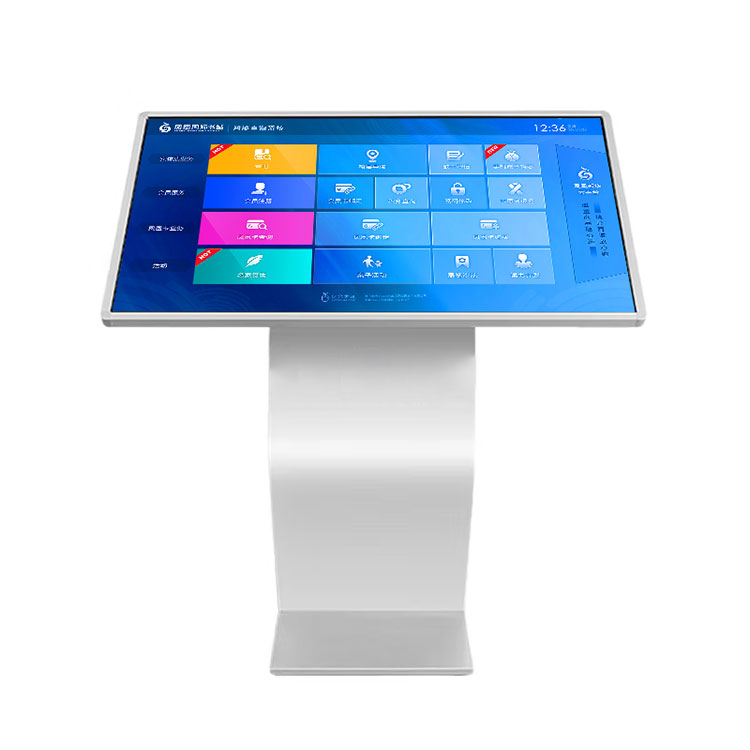
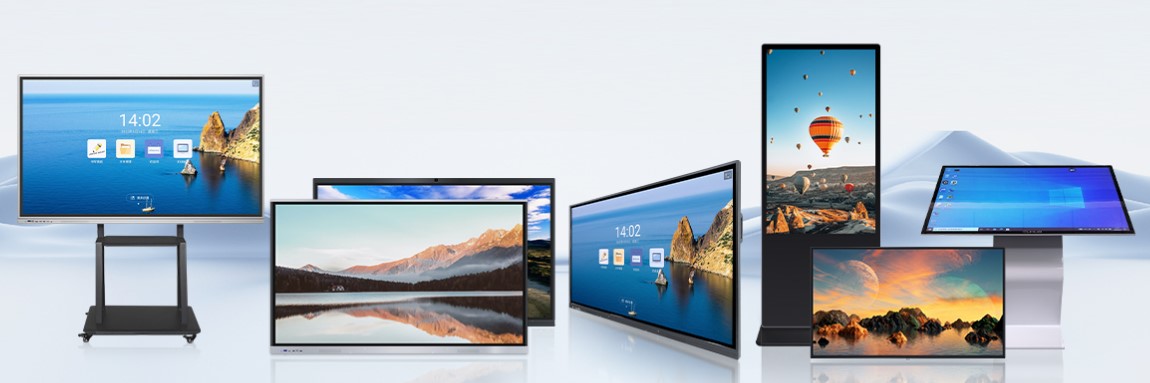
The phrase describes a freestanding cabinet, but it doesn't establish brightness, ingress protection, heat rejection, touch performance, or certification. Treat Cuhub's outdoor floor-standing advertising machine category as a configurable starting point. Your RFQ should identify screen size, orientation, luminance range, operating schedule, environmental limits, touch option, network interfaces, finish, mounting details, service access, and required documentation. Attach site photographs and drawings, but don't use them as substitutes for written conditions.
High brightness helps, but more nits don't automatically fix poor contrast. Protective glass reflections, dark content, screen orientation, heat buildup, and automatic dimming behavior can matter just as much as the panel's headline output.
Cuhub describes customizable LCD panels from 1,000 to 3,500 nits, automatic brightness adjustment, and a 178-degree viewing angle. Choose within that range from measured site exposure rather than assuming the highest setting is always best. An outward-facing screen under a deep canopy has different needs from a west-facing display receiving direct afternoon sun.
Specify how the ambient-light sensor responds, including nighttime dimming and manual limits. Excessive brightness after dark wastes power and can create glare complaints. Ask to review representative content on a production-equivalent display, behind the proposed cover glass, under comparable sunlight. Maps and small menu text are less forgiving than large promotional images. A high-brightness outdoor kiosk display should be accepted on readability, color, reflections, dimming behavior, and thermal stability—not panel luminance alone.
A weather-resistant cabinet can still fail if water follows a cable path, filters clog, door seals are damaged during service, or humid air condenses on cooler internal surfaces. Thermal design must cover the full assembly, including the LCD, media player, power supplies, touch controller, modem, and batteries if fitted.
Ask for the rating of the exact configured enclosure, not a generic family brochure. IP and NEMA designations come from different systems and shouldn't be presented as interchangeable without supporting documentation. The RFQ should also state required ambient operating limits and ask how the kiosk controls internal temperature: filtered forced air, heat exchangers, air conditioning, heaters, or another method.
Cuhub describes intelligent temperature control plus weather-, impact-, corrosion-, and theft-resistant construction. Request test reports or design evidence showing which claims apply to your configuration. In coastal or deicing-salt locations, define coating and hardware expectations. For 24/7 duty, ask what happens after a fan, sensor, or cooling component fails, how alarms are reported, and whether the screen reduces output before a thermal shutdown.
For an interactive outdoor touchscreen kiosk, define expected use with wet fingers, gloves, water on the glass, and accidental palm contact. Ask how false touches are handled and require a test using the final glass and touch configuration.
Accessibility belongs in the physical design. Identify applicable ADA requirements and, for federal procurement, any applicable Section 508 obligations. Review reach ranges, operable controls, clear floor space, approach route, protruding objects, screen angle, text presentation, and alternatives for functions that can't be completed by touch alone. The authority having jurisdiction and project accessibility consultant should confirm the final installation.
Installation details affect maintenance. Require base and anchor drawings, weight, center of gravity, lifting points, conduit entries, branch-circuit responsibilities, and service-door clearance. Favor modular access to the display, player, power supply, fans, filters, and modem. A cabinet that must be removed from its foundation to replace a common part will be expensive to own.
Cuhub lists remote publishing, split-screen playback, Wi-Fi and cellular connectivity, and cloud intelligent backend management. Confirm those functions with the proposed media player and content management system rather than treating them as enclosure features.
Run an acceptance test covering scheduled publication, emergency content, user permissions, logs, remote restart, software updates, split-screen layouts, and recovery after power or network loss. Confirm that approved content continues to play from local storage during an outage. Test cellular service with the kiosk closed because a metal enclosure and coated glass can reduce signal strength; an external antenna may be needed. If AI assists with scheduling or content selection, keep a named human approver and an audit trail. Automation shouldn't publish unreviewed pricing, safety messages, or event information.