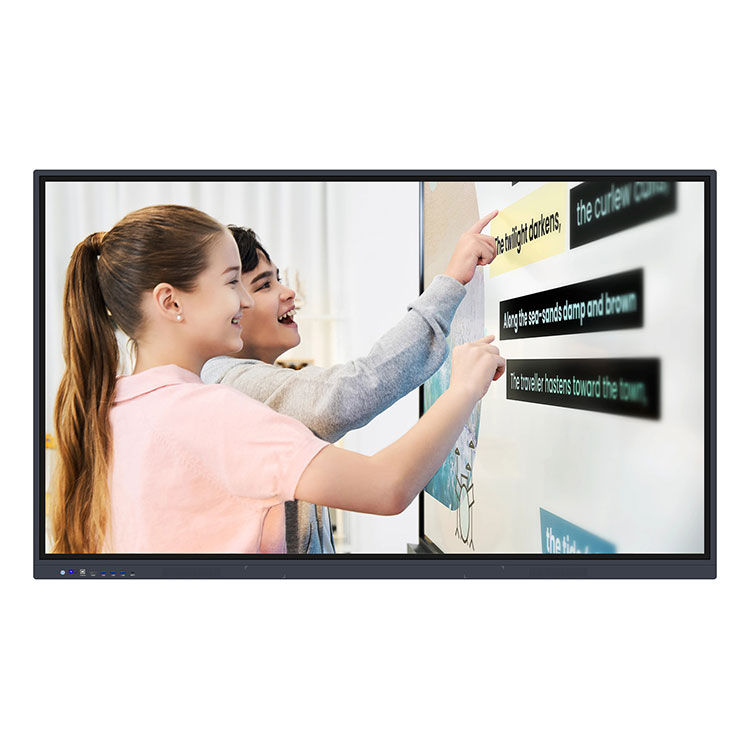
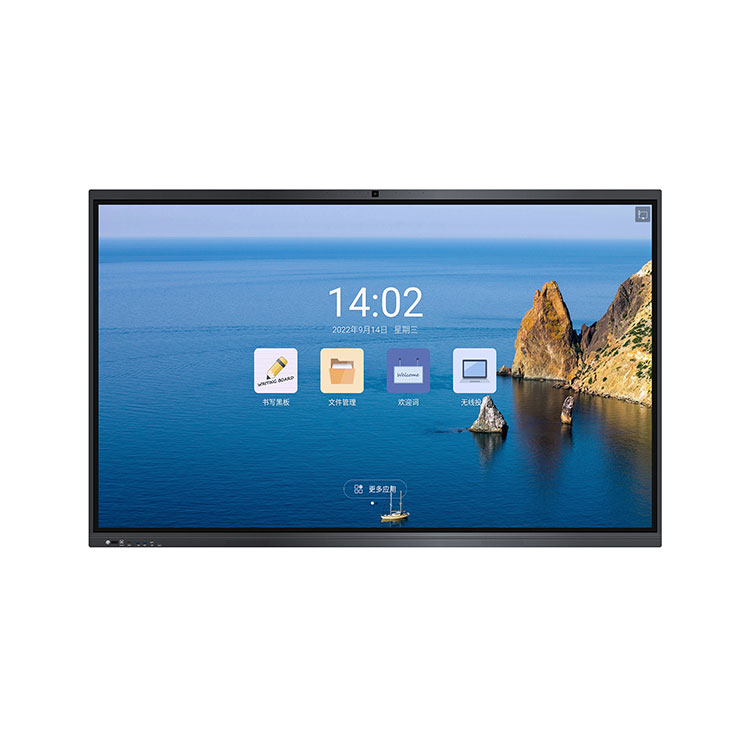
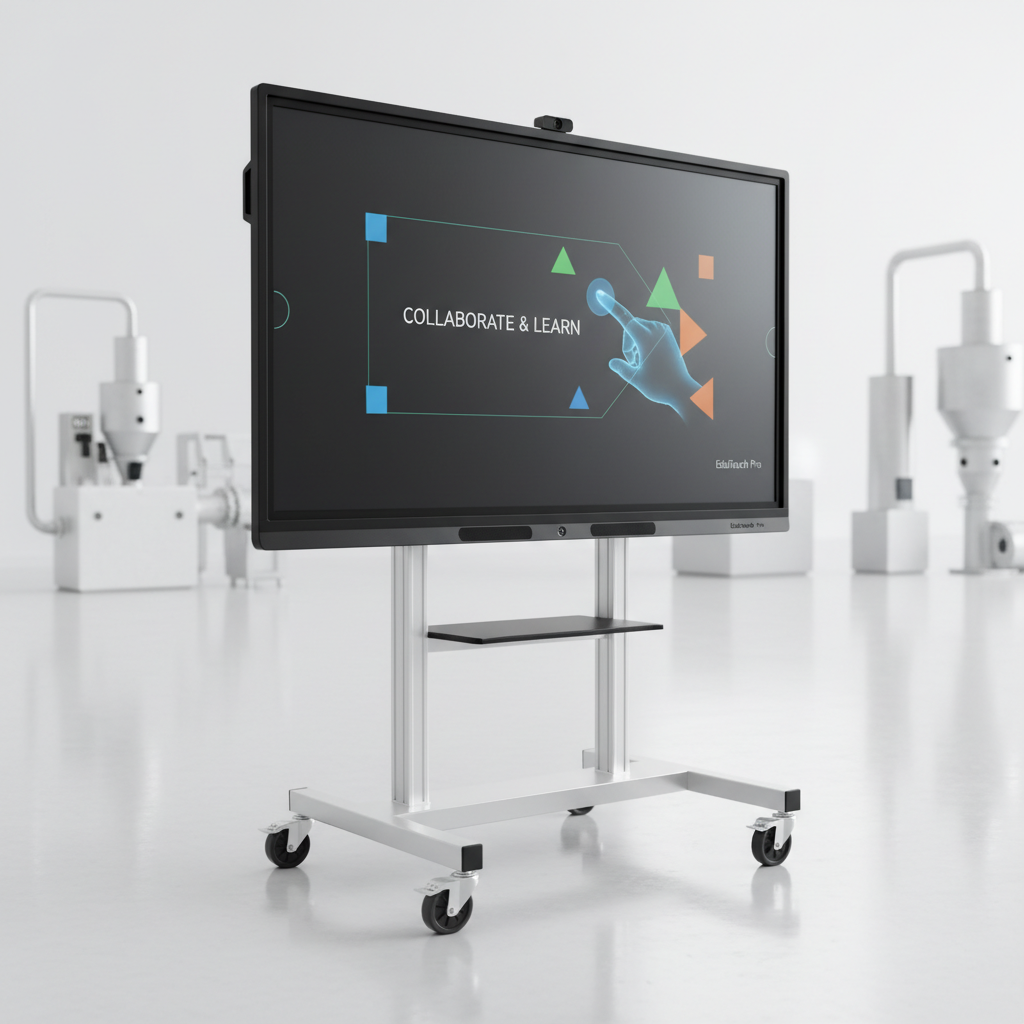
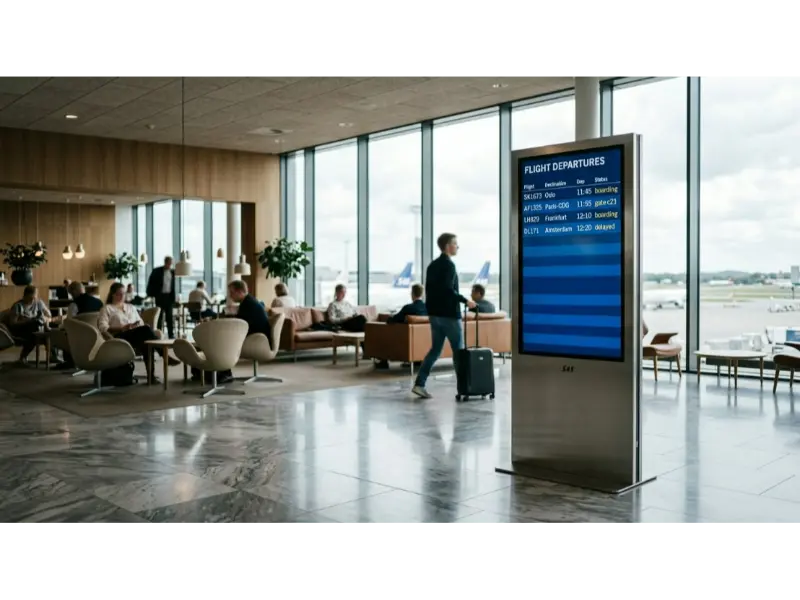
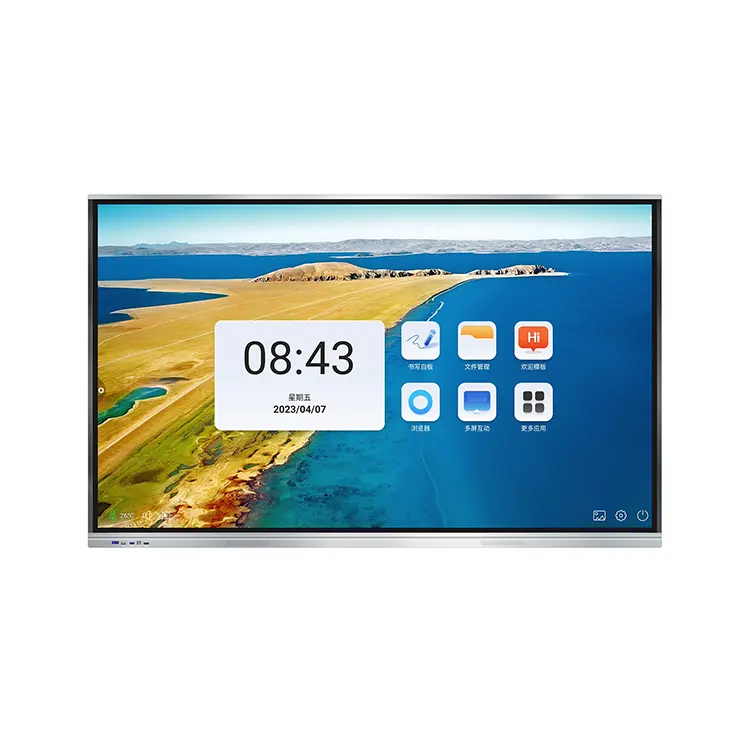
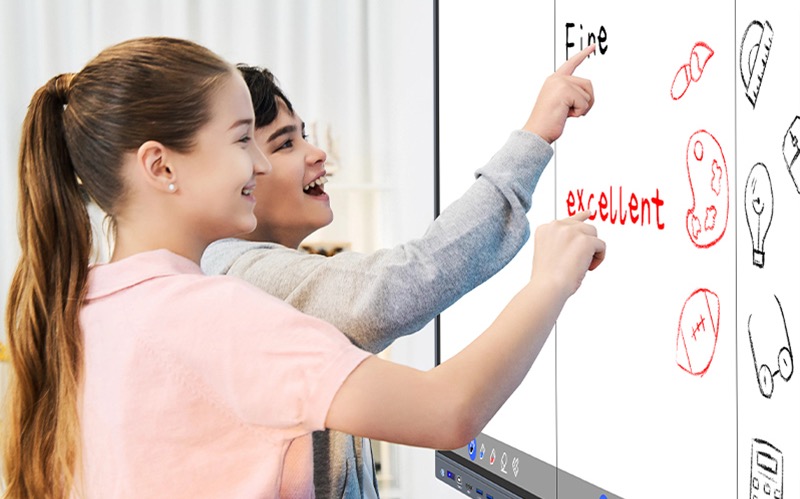
An outdoor table advertising player is a commercial digital signage display built to show advertisements, menus, announcements, videos, or interactive content in exposed public environments. Unlike an ordinary indoor monitor, it combines a sunlight-readable LCD, outdoor protection, automatic brightness control, temperature management, and network connectivity in one installation-ready system.
Cuhub supplies these displays for locations such as cafes, restaurants, hotels, parks, exhibitions, transportation areas, and other public spaces. Depending on the configuration, you can publish content remotely through WiFi or 3G/4G, add touch interaction, and choose Windows or Android as the operating system.
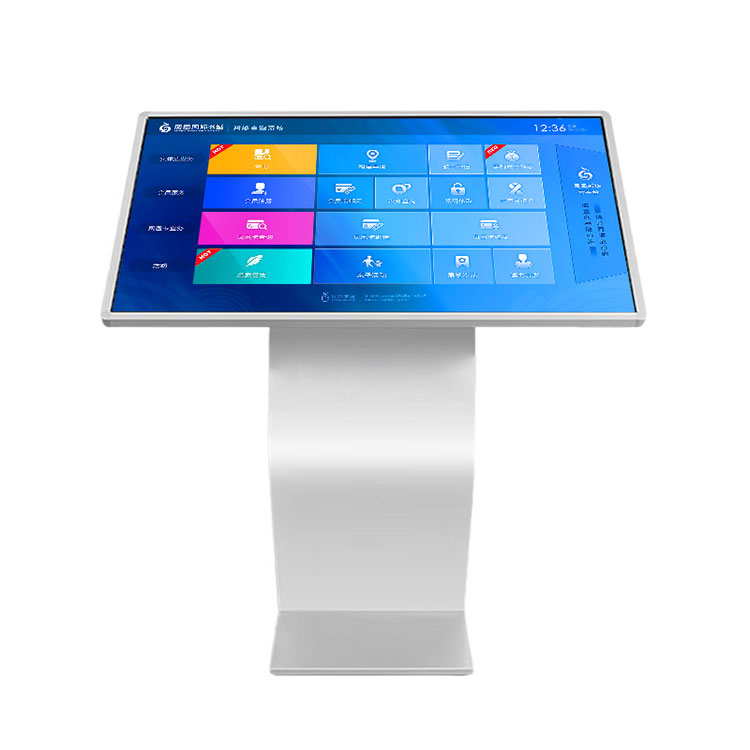
The practical distinction is simple: an outdoor table advertising player is designed to remain readable and operational where sunlight, dust, rain, temperature changes, and public contact would quickly expose the limits of consumer screens.
Cuhub's outdoor table display uses a high-brightness LCD with a customized brightness range of 1,000 to 3,500 nits. Nits measure screen luminance. A higher setting can help overcome direct or reflected sunlight, but maximum brightness is not automatically the best choice. It affects power use, heat, viewing comfort, and the expected operating environment.
The unit can be configured for advertising loops, digital menus, promotional videos, documents, navigation, self-service queries, or touch-based information. That makes it closer to a complete digital signage terminal than to a screen with a USB stick attached. For a closer look at available configurations, see Cuhub's outdoor table advertising player.
High brightness solves only one part of the outdoor problem. A screen that is readable at noon but runs too hot, draws excessive power, or fails after moisture enters the enclosure is not a dependable signage solution.
Outdoor configurations from Cuhub can include automatic photosensitive adjustment, which changes brightness in response to ambient light. In strong sun, the display can use a higher brightness level. In shade or evening conditions, reducing output can improve viewing comfort and limit unnecessary heat and energy consumption. Ask the supplier how the sensor is positioned and whether brightness levels can be adjusted for your site.
Protection may also address water, dust, sunlight, corrosion, impact, and theft. These terms describe design goals, not a substitute for reviewing the actual enclosure rating and installation instructions. Confirm the required ingress protection level, drainage or sealing method, mounting orientation, and exposure limits before placing an order. Temperature control matters for the same reason: the display, backlight, and internal electronics need to operate within a defined temperature range.
The strongest use case is a location where people pause, wait, or make a choice. A cafe may use the screen for promotions, seasonal offers, or a digital menu near an outdoor seating area. A restaurant can present menu items and videos without replacing printed boards every time pricing or availability changes.
Hotels can use the display for event information, directions, local offers, or guest services. In parks, museums, exhibitions, and transport areas, the same hardware can present public information, maps, schedules, sponsor messages, or self-service queries. Touch is useful when visitors need to select a route, search an exhibit, or browse more than one information layer.
Placement still determines success. Direct afternoon sun, salt air, sprinkler spray, vandalism risk, and limited access to power each change the specification. A unit under a covered cafe awning may need a different enclosure and brightness setting from one installed beside a coastal walkway.
With a networked configuration, an operator uploads approved media to a content management system, and the display receives the files or playback instructions through WiFi, 3G, or 4G. The screen can then play images, videos, documents, menus, or information pages without requiring staff to visit every location.
That workflow is useful for multi-site promotions, menu changes, emergency notices, and scheduled campaigns. It also depends on practical details: network coverage, SIM and data responsibility, offline playback behavior, user permissions, file format support, and the recovery process after a power or connection failure.
Remote information release and monitoring let a central team check device status and update content across several displays. Cuhub's listed functions include remote monitoring and playback of pictures, videos, and documents. If you want optional AI-assisted scheduling, ask exactly what the software does—such as selecting time slots, organizing playlists, or using audience data—and which functions require third-party software. Do not assume that “AI” is included in the hardware price or that the display makes decisions on its own.
Start with the site, not the product photograph. A supplier can then match brightness, enclosure protection, connectivity, mounting, and service access to the actual conditions.
Brightness is a frequent buying mistake. More nits will not fix a badly positioned screen, glare from a glass cover, or content designed with low contrast. Request a daylight test or installation recommendation when the display will face direct sun.
Confirm whether the chosen unit runs Windows or Android, which applications are supported, and whether the content platform is included, licensed separately, or supplied by your team. Ask how the system handles unsupported media, remote rebooting, software updates, and local operation when the network is unavailable.
Cuhub describes upgradeable core hardware and OEM, ODM, SKD, CKD, and customized configurations. Those options can be useful for a rollout, but they also create more decisions around interfaces, enclosure changes, tooling, lead time, spare parts, and future compatibility. Get the final bill of materials and service-access drawing in writing.
The right supplier should answer site-specific questions with documents, not broad assurances. Send the proposed placement, viewing direction, sunlight conditions, network type, power information, content requirements, and expected operating schedule before requesting a final quotation.
Ask for the exact certificate or declaration that applies to the quoted model and its installed power components. FCC documentation concerns applicable U.S. radio-frequency and electronic-emissions requirements. UL marks or listings must be checked against the specific product, construction, and certification scope; a generic component certificate is not the same as a complete system approval.
RoHS addresses restricted substances. CE is generally associated with European-market conformity and does not replace U.S. requirements. ISO certification usually describes a company's management system, not proof that every display has passed a particular safety test. Verify document numbers, issuing bodies, model numbers, dates, and whether modifications change the certification scope.
Also request packing dimensions, shipping weight, installation drawings, anchoring requirements, wiring diagrams, warranty terms, replacement-part availability, and the procedure for remote or on-site service. If your project needs a tailored enclosure, brightness level, touch panel, or cellular configuration, document those changes before production. You can review the product scope and start a configuration discussion through Cuhub's custom outdoor digital signage display page.
Before ordering, make sure you can answer five questions: Where will the display face, how much sunlight will it receive, what content must it play, how will it connect, and who can reach it for service? If those answers are clear, an outdoor digital menu and advertising display can be specified around the site instead of guessed from a catalog image.