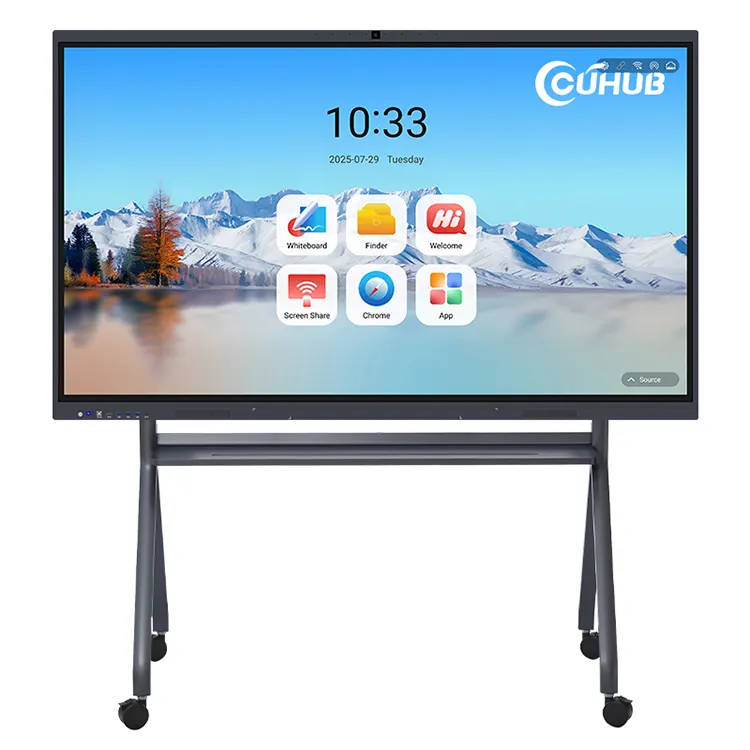
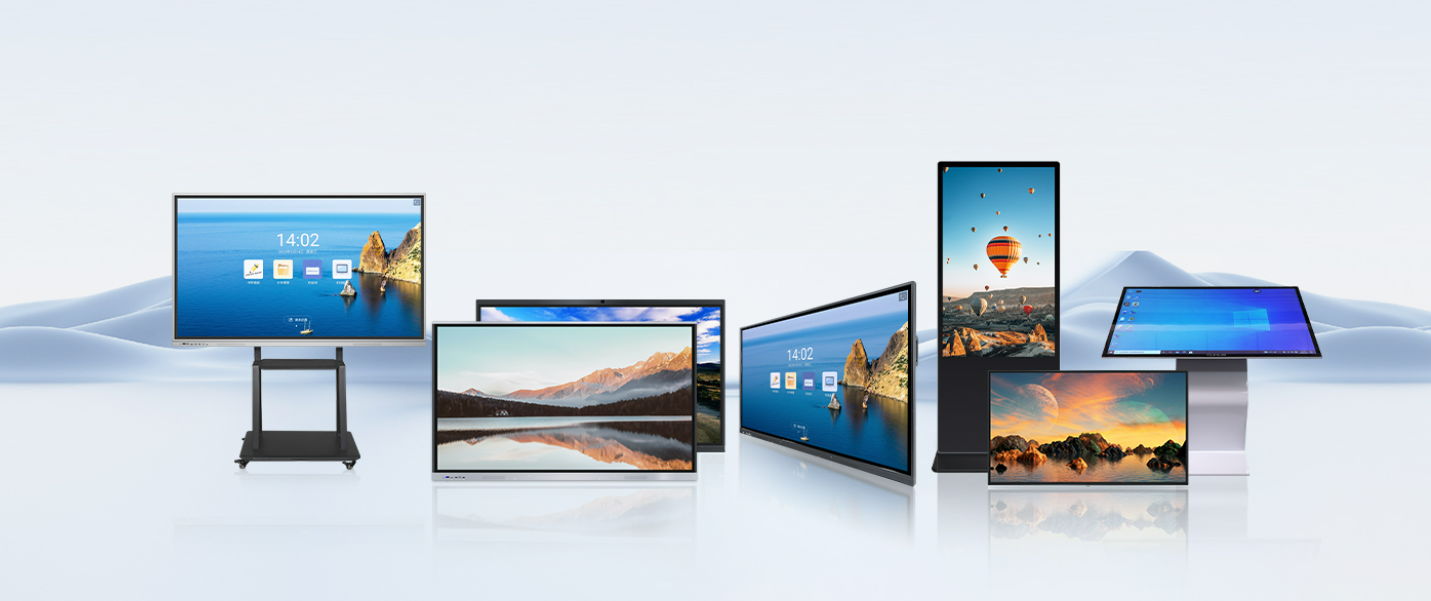
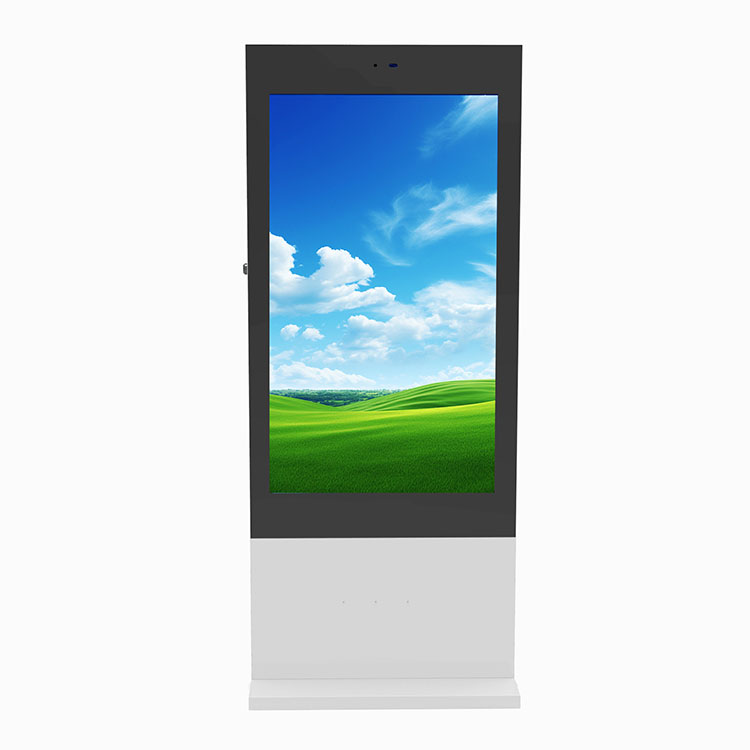
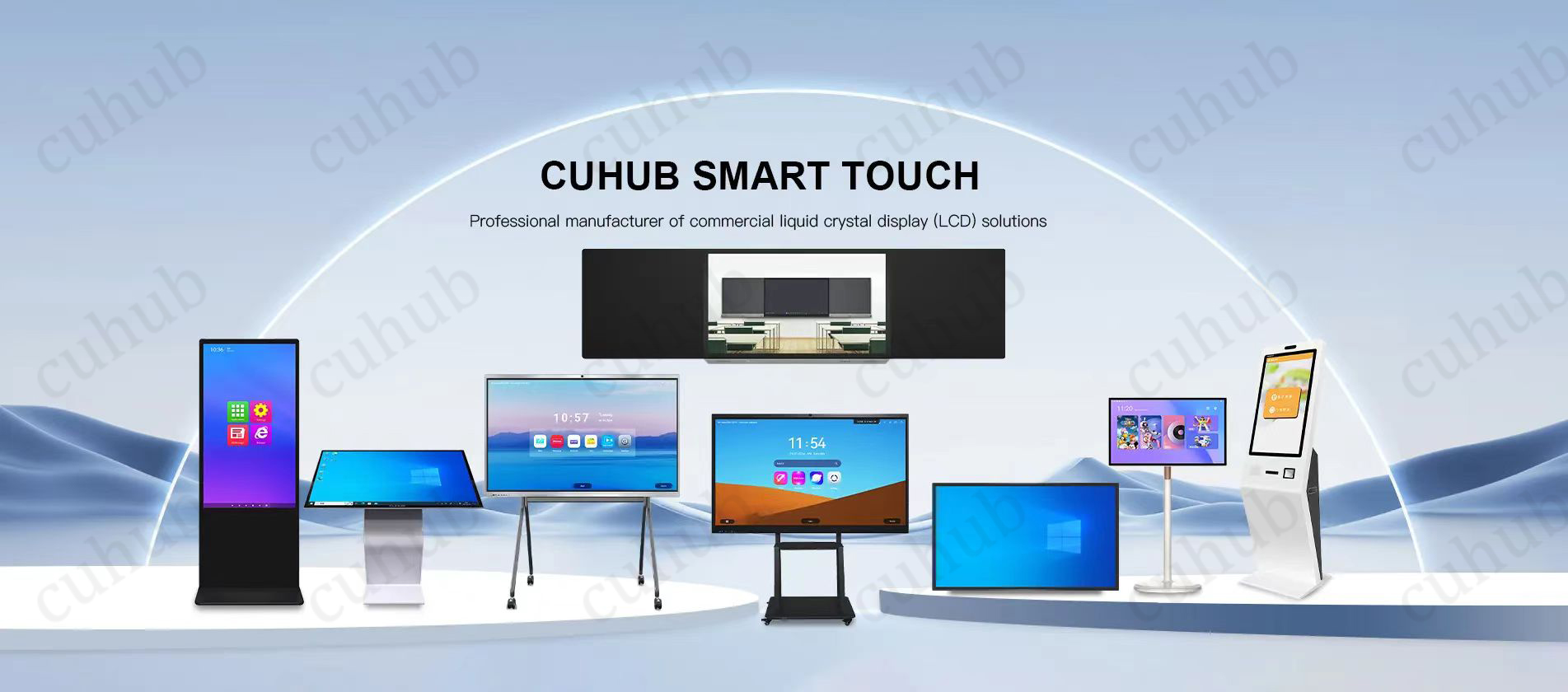
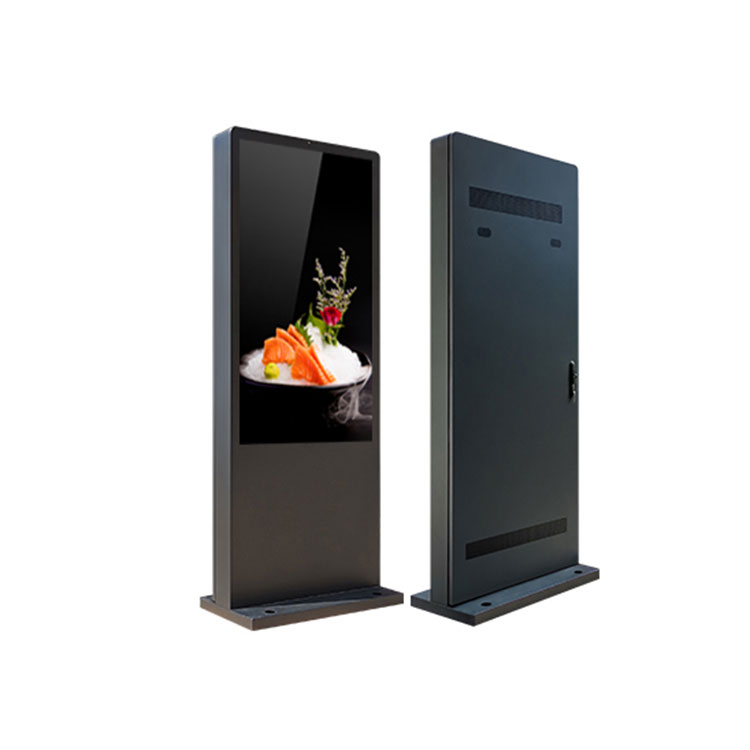
Choose an outdoor touch screen advertising machine when people need to search, select, navigate, or request information—not merely read a fixed message. It combines a commercial outdoor display with touch interaction, scheduled content, and remote publishing. That makes it useful for wayfinding, public information, directories, and interactive promotions that change by time or location.
The main buying mistake is treating it like a large tablet in a weather-resistant cabinet. Outdoor performance depends on the complete installation: display brightness, glare, operating temperature range, enclosure protection, network reliability, mounting, drainage, electrical work, and ongoing maintenance. Confirm those details for the exact configuration before ordering.
Choose an interactive kiosk when visitors need to act, not just view
The right format follows the task. A static sign is hard to beat for a permanent message with no power or network connection. A non-touch digital display suits rotating announcements and advertising. An outdoor touch screen advertising machine earns its space when the visitor needs to control what appears next.
Format
Best fit
Main limitation
Printed or fixed sign
Permanent directions, rules, or identification
Every content change requires physical replacement
Non-touch digital signage
Scheduled messages, menus, notices, and video
Visitors cannot search or choose content
Interactive outdoor kiosk
Wayfinding, searchable directories, product exploration, and self-service information
Higher installation, software, cleaning, and support demands
Touch should solve a real user problem. Adding it to a display that only loops advertisements creates cost without improving the experience.
Turn outdoor display and touch capabilities into practical user benefits
Cuhub describes its outdoor kiosk category with 1080p playback, a 178-degree viewing angle, multi-touch input, ambient-light adjustment, temperature control, and customizable brightness from 1000 to 3500 nits. Each feature affects a different part of the deployment; none should be evaluated alone.
High brightness, ambient-light adjustment, and temperature control support visibility and uptime
Brightness gives content a better chance of remaining readable in strong daylight, while ambient-light adjustment can reduce unnecessary output as conditions change. The practical benefit is more consistent visibility across bright afternoons and dimmer periods. It can also avoid running the screen at maximum brightness when that output is not needed.
Still, a nit rating doesn’t settle the sunlight question. Screen orientation, direct sun, reflections, cover-glass treatment, viewing distance, text size, and content contrast all matter. Ask Cuhub to recommend a brightness level after reviewing site photos and the direction the kiosk will face. A shaded entrance and an exposed west-facing plaza are not equivalent installations.
Temperature control is equally site-dependent. It is intended to help manage heat and cold inside the enclosure, but buyers should request the specified operating range, cooling and heating method, ventilation design, and behavior during an over-temperature condition. Do not assume that the word “outdoor” covers the seasonal extremes at your site.
The stated 178-degree viewing angle helps when several people approach from different directions. The listed 1080p playback supports common full-HD media, though resolution alone doesn’t guarantee readable copy. Interface text and buttons must still be sized for the expected viewing distance.
Multi-touch interaction turns digital signage into a self-service information point
Multi-touch lets visitors move through maps, directories, menus, and other layered information instead of waiting for every item to appear in a loop. A single kiosk can present several information paths without covering the site in separate printed panels.
The interface needs restraint. Outdoor users may be standing in glare, wearing gloves, carrying bags, or trying to finish quickly. Large controls, short paths, visible back and home functions, and a timeout that returns the kiosk to its start screen matter more than elaborate animation. Confirm the touch technology and its performance with bare fingers, gloves, moisture, and the proposed protective glass; those details were not supplied and can change field usability.
Remote publishing and flexible layouts simplify multi-site content operations
Cuhub lists remote publishing, split-screen playback, and Wi-Fi, 3G, or 4G connectivity for this product category. Remote publishing allows an operator to update campaigns or public information without visiting each unit with removable media. Split-screen layouts can place video beside directions, notices, or promotional panels, while scheduling helps match content to the time and location.
For a multi-site network, ask how the cloud intelligent backend management handles device grouping, publishing status, user permissions, failed downloads, offline playback, logs, and content approval. Connectivity is not the same as guaranteed internet service. Wi-Fi coverage can weaken outside a building, and cellular performance depends on the carrier, antenna placement, plan, and local signal. A useful outdoor digital signage kiosk with remote content management should keep approved content playing when a connection drops and report the problem when service returns; verify that behavior rather than assuming it.
Match the kiosk to a clearly defined operating scenario
Wayfinding, directories, and public information for campuses, parks, and venues
An outdoor touchscreen wayfinding kiosk can replace a dense directory with a searchable map, destination categories, event information, and current notices. Parks, squares, streets, campuses, and venues can use the same screen for routine guidance and time-sensitive updates.
Placement decides whether the system gets used. Put it where visitors naturally pause without blocking circulation. Review wheelchair approach space, control reach, text readability, language needs, and accessible alternatives as part of the interface and site design. Accessibility is not established by touch capability alone.
Interactive promotions and scheduled campaigns for retail, hospitality, and advertising networks
Retail and hospitality sites can let visitors explore offers or location information rather than watching a fixed loop. Advertising networks can schedule different creative by site or daypart and divide the display into controlled content regions.
Define the intended action before choosing hardware. If the goal is only exposure, a non-touch display may be simpler. If the visitor must browse categories or choose a destination, a freestanding outdoor interactive kiosk has a clearer operational purpose.
Know when a non-touch display or conventional sign is the better choice
Skip touch if the audience passes too quickly to interact, the message rarely changes, or the site cannot support power, networking, cleaning, and technical service. Fixed safety instructions and permanent directional markers should not depend solely on a powered screen.
Outdoor kiosks also attract fingerprints and may face rain, dust, impact, vandalism, insects, condensation, and blocked vents. “Weatherproof” is too vague for procurement. Request the enclosure’s model-level IP rating, impact-protection information if available, glass specification, lock design, cable-entry treatment, and maintenance access. Then compare those details with the actual exposure and local installation requirements.
Send Cuhub a site-based RFQ covering model-level ratings, accessibility, installation, connectivity, applicable UL or ETL and FCC documentation, warranty, spares, lead time, and support
Cuhub is a Shenzhen commercial-display manufacturer established in 2019 and offers OEM, ODM, SKD, CKD, and product customization. A useful request for quotation should be tied to a specific site rather than asking for a generic outdoor kiosk price.
Site conditions: installation city, seasonal temperature exposure, sun direction, shade, rain, dust, wind, and expected operating hours.
Display and touch: required size, viewing distance, proposed brightness, cover glass, touch technology, glove and moisture behavior, and interface orientation.
Outdoor protection: exact IP rating, temperature range, thermal-control method, condensation management, locks, cable entries, and service access.
Installation: foundation or mounting requirements, cabinet dimensions and weight, power input, grounding, surge protection, drainage, and responsibilities for local electrical and structural work.
Connectivity and software: Wi-Fi or cellular option, remote publishing workflow, scheduling, split-screen control, offline behavior, administrator permissions, and any recurring platform fees.
Accessibility: mounting and reach requirements, interface provisions, and how the proposed configuration fits the project’s applicable accessibility review.
U.S. documentation: applicable UL listing or ETL certification and FCC authorization for the exact finished configuration—not a similar component or another model. Confirm requirements with the project’s authority having jurisdiction.
Commercial terms: warranty coverage, excluded damage, spare-parts list, replacement lead times, remote support hours, production lead time, packing method, and shipping terms.
Send Cuhub the site photos, intended user task, quantity, installation location, and requested documentation through the outdoor touch screen advertising machine product page. That gives the manufacturer enough context to recommend a configuration—and gives you specific claims to verify before approving the order.
We use cookies to offer you a better browsing experience, analyze site traffic and personalize content. By using this site, you agree to our use of cookies. Privacy Policy