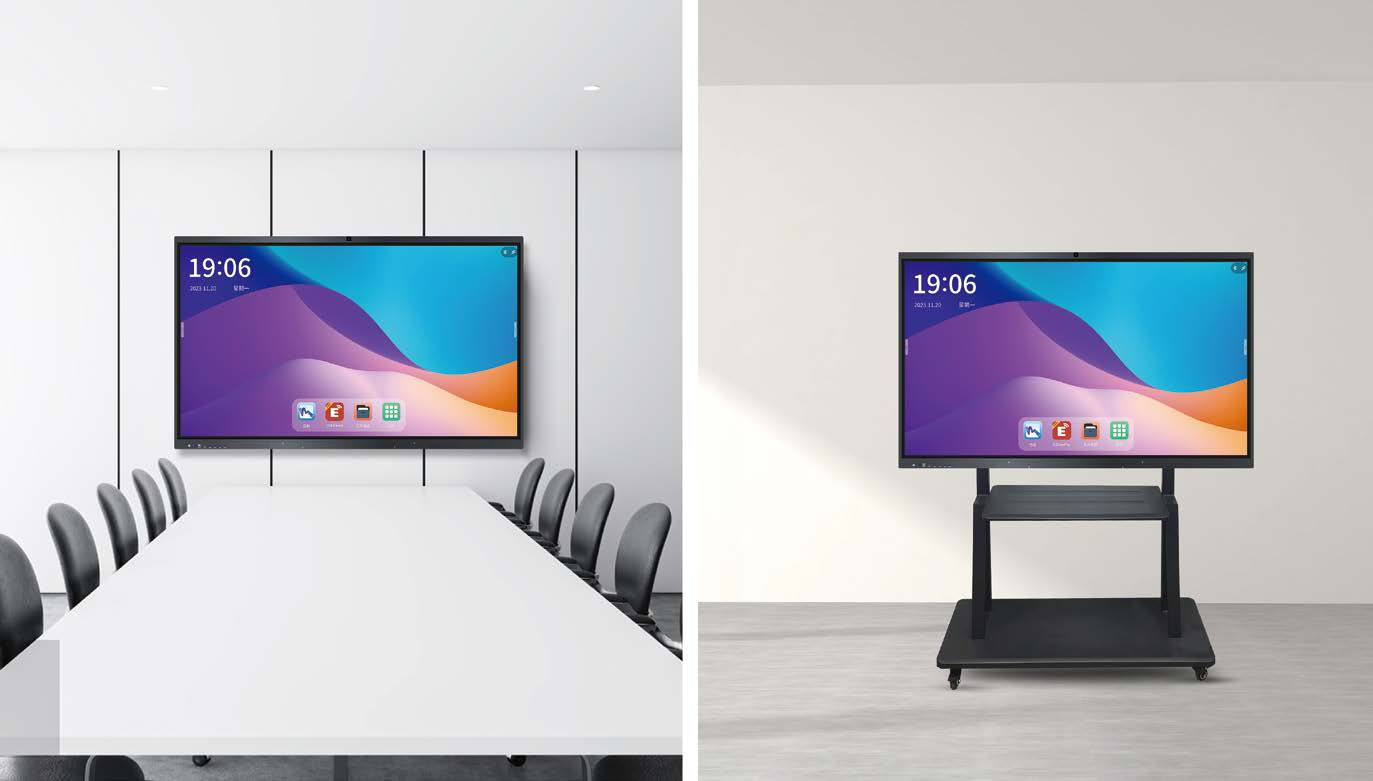
In the era of digital transformation, the Interactive Flat Panel Display (IFPD) has become the centerpiece of modern boardrooms and classrooms. However, when browsing specifications, one term frequently stands out: Point Touch.
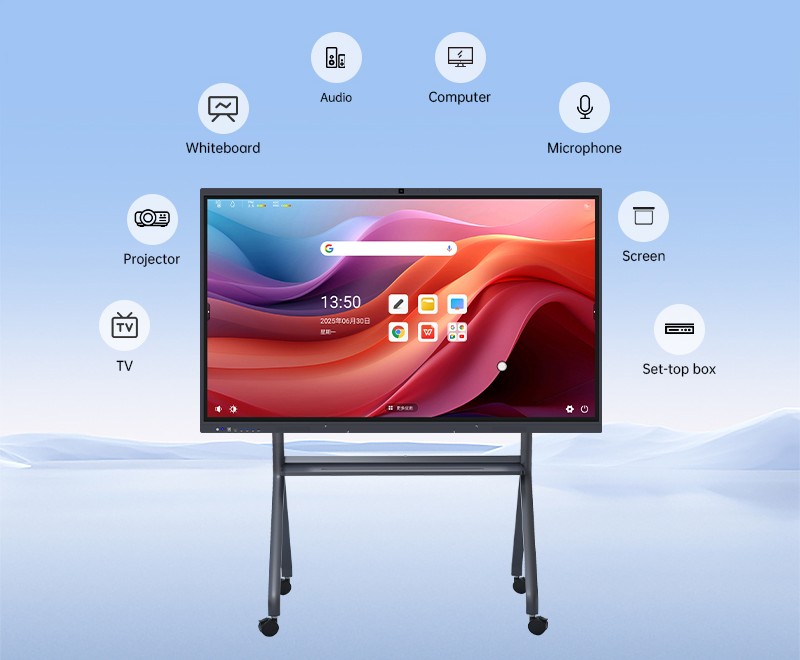
But what exactly does "Point Touch" mean, and why is it the secret sauce behind a seamless collaborative experience? Let’s dive into the technology that brings your finger-tips to life.
What is Point Touch in IFPDs?
In simple terms, Point Touch refers to the number of simultaneous contact points a screen can recognize and respond to at any given moment.
Early touchscreens were "Single-Touch," meaning they could only track one finger at a time (much like a traditional computer mouse). Today, IFPDs utilize Multi-Touch technology. Most modern panels offer 10-point, 20-point, or even 40-point touch capabilities.
The Underlying Technology
How these points are tracked usually depends on two main types of sensors:
Infrared (IR) Touch: This uses a grid of infrared light beams across the frame. When you touch the screen, you block the beams, and the system calculates the coordinates. It is the most common technology for large displays due to its durability and high point count.
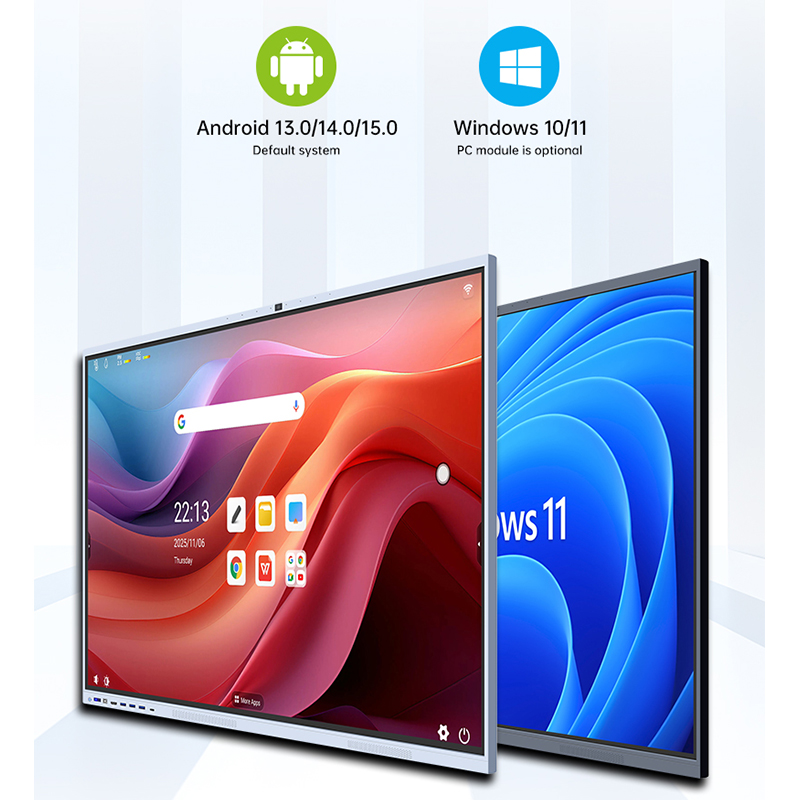
Projected Capacitive (P-Cap): Similar to a smartphone, this uses a conductive coating to sense the electrical properties of the human body. It offers superior precision and a sleek, "edge-to-edge" glass design.
Why Do the Number of Touch Points Matter?
You might think, "I only have ten fingers, why would I need 20 or 40 points?" In a professional or educational setting, higher touch points unlock several critical benefits:
1. Multi-User Collaboration
In a brainstorming session or a classroom activity, you often have 2 or 3 people writing on the board simultaneously. If a display only supports 10 points, and three people are using "pinch-to-zoom" gestures (which require 2 points each) while writing, the system might lag or "drop" strokes. A 20-point or higher system ensures everyone can work at once without interference.
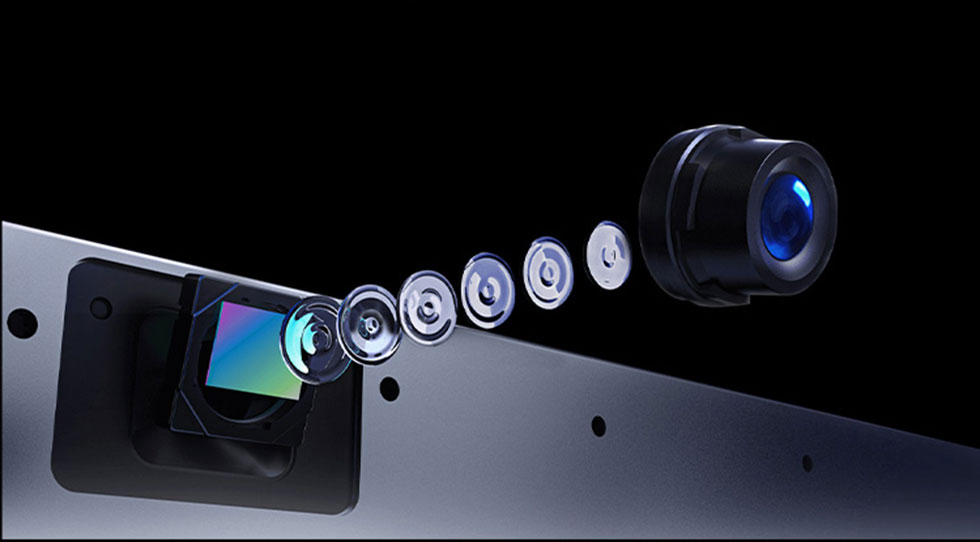
2. Gesture Recognition and "Palm Rejection"
Advanced IFPDs distinguish between a "writing" point (a stylus or finger) and a "command" point. For example:
Palm Erasing: Many panels allow you to use your palm as an eraser. The system needs to recognize the large surface area of your palm as a cluster of touch points to trigger the eraser tool rather than drawing a thick line.
Complex Gestures: Five-finger swipes to minimize windows or two-finger rotations require a high density of recognized points to feel fluid.
3. Accuracy and Response Time
A higher point-touch rating often indicates a more "dense" sensor matrix. This results in better palm rejection and higher accuracy, ensuring that when you draw a circle, it looks like a circle, not a jagged polygon.