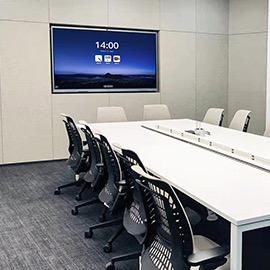
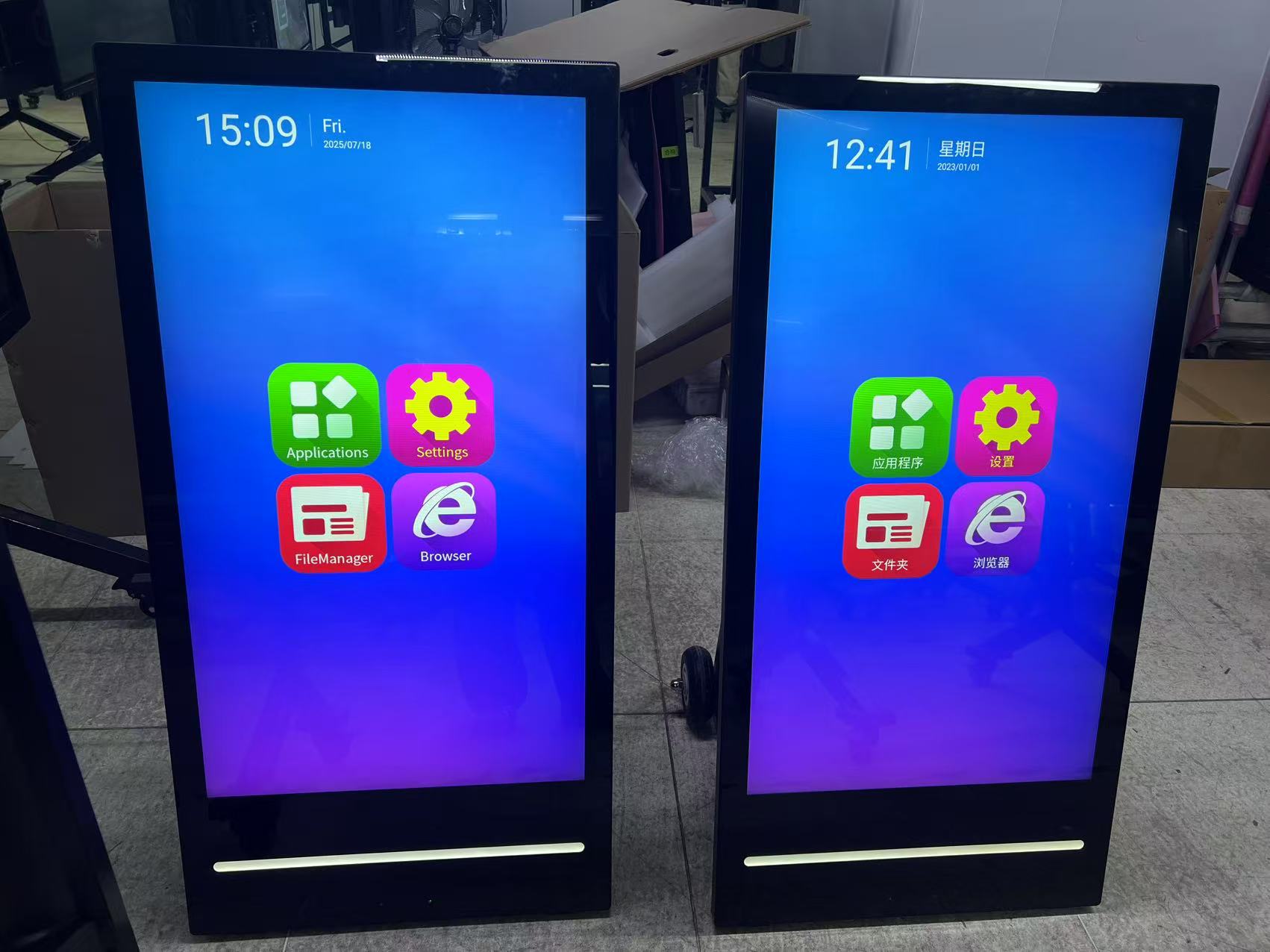
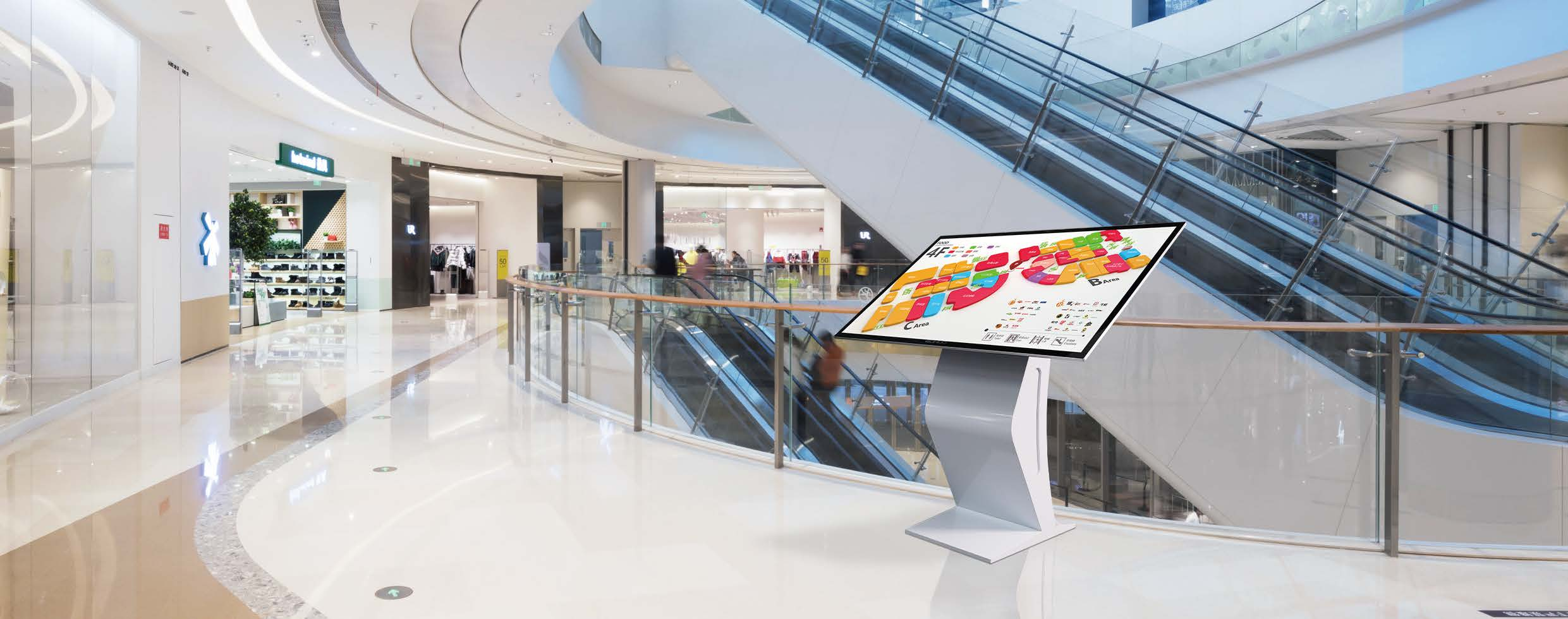
An Interactive Flat Panel Display for Classroom is a large-format touchscreen monitor equipped with an embedded operating system, designed to replace traditional whiteboards and projectors. It functions as a central digital hub, enabling teachers to deliver dynamic lessons, integrate educational software, and foster student collaboration directly on the screen.
Evaluating the total cost of ownership goes beyond the initial purchase price. School districts must account for long-term maintenance, annual software license fees, and energy consumption. US schools can significantly offset these costs by utilizing E-Rate Category Two funds, which cover essential networking infrastructure required to support modern interactive panels. By eliminating projector bulb replacements and selecting models with free over-the-air (OTA) software updates, IT directors can maximize their annual budgets while providing superior classroom technology.
Upgrading to the latest educational technology requires a clear understanding of current hardware capabilities. The best interactive boards for 2024 prioritize student health, visual clarity, and seamless interaction.
Procurement officers navigating state-level contracts require predictable logistics and reliable supply chains. We streamline district-wide rollouts by routing shipments through major US hubs like the Port of Los Angeles and Port of Long Beach. This optimized logistics framework ensures timely delivery before the new semester begins, bypassing common supply chain bottlenecks.
Volume buyers and IT directors benefit from our transparent RFP processes and tiered bulk pricing models. Purchasing multiple Smart Touch Displays guarantees significant volume discounts, making it financially viable to standardize hardware across an entire school district. Our dedicated US account managers assist with bid documents and custom pricing structures tailored to your specific deployment scale.
School districts require more than just hardware; they need a trusted manufacturer compliant with stringent US data privacy laws like FERPA and COPPA. Partnering with a reputable manufacturer guarantees access to US-based technical support and robust warranty programs. Furthermore, all our displays are fully certified to meet UL and ANSI safety standards, ensuring a secure environment for your students and staff.
An Open Pluggable Specification (OPS) unit transforms a standard Smart Touch Display for Classroom into a powerful, self-contained Windows PC. This integration removes messy cables and provides educators with the raw processing power needed for resource-heavy educational applications. The modular design also means IT teams can upgrade the PC component without replacing the entire screen.
Modern classrooms demand hardware that plays seamlessly with existing Learning Management Systems. IT directors can connect these displays to platforms like Canvas and Schoology with ease. First, launch the integrated web browser or the OPS Windows environment. Second, navigate to the district's LMS portal and sign in via Single Sign-On (SSO). Finally, use the panel's native annotation tools to draw directly over LMS assignments, saving annotated files instantly to connected cloud drives like Google Workspace or Microsoft OneDrive.
Our panels are engineered specifically for US infrastructure, operating seamlessly on standard 110V/60Hz power grids. Below is the detailed hardware parameter breakdown.
| Specification | Parameter |
|---|---|
| Screen Sizes | 65-inch, 75-inch, 86-inch |
| Weight | 85 lbs to 145 lbs (model dependent) |
| Power Supply | 110V/60Hz |
| Brightness | 400 Nits |
| Built-in Android OS | 8GB RAM / 128GB ROM |
| OPS PC Options | Intel Core i5/i7, 16GB RAM, 512GB SSD |
| Safety & Compliance | UL, ASTM, ANSI |
| Logistics Routing | Port of Los Angeles, Long Beach |